Most app founders use a TikTok slideshow maker in the least useful order.
They open the tool first. Then they type what the app does. Then they get five slides that technically make sense, but feel like an ad with a different background.
Wrong order.
Start before the tool. Find a slideshow format people are already watching. Figure out what each slide is doing. Then rebuild those slide jobs around your app.
For apps, I would keep the workflow this boring:
- find a working format,
- label the job of every slide,
- replace the original proof with your product proof,
- test multiple hooks on the same structure.
Ghostfeed should make that loop fast.
The point is turning one working structure into many reviewable variants, not making one random slideshow.Start with the format, not the product
If you start with the product, the post usually turns into this:
"Here are 5 reasons to use our app."
Nobody wants that.
Start with the thing they are already stopping for.
You are looking for patterns like:
- "3 things I wish someone told me before..."
- "I was doing this wrong for months..."
- "Nobody talks about this part of..."
- "The mistake that kept me stuck..."
- "I stopped doing X and finally..."
You are not copying the post. You are copying the job of each slide.
Borrow the hook shape. Change the pain.
Borrow the pacing. Replace the proof with your screenshot, your example, or your user outcome.
Borrow the visual language. Change enough that the post belongs to your app.
Borrow the CTA shape. Make the action your actual next step.
The content itself has to be yours.
The reference pattern: pain, struggle, tool, outcome, belief
This GradBro-style reference is the clean version of the idea:
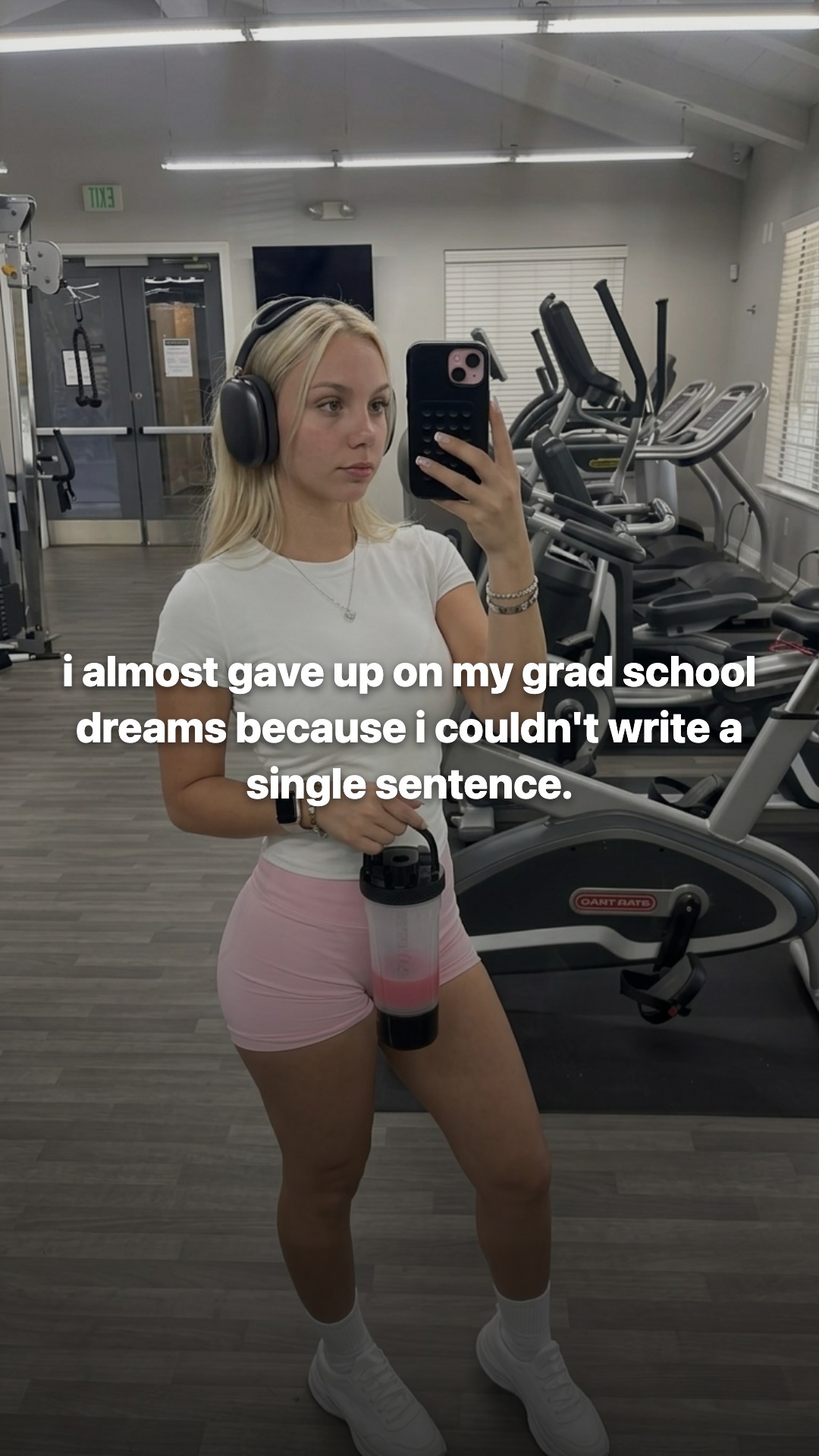
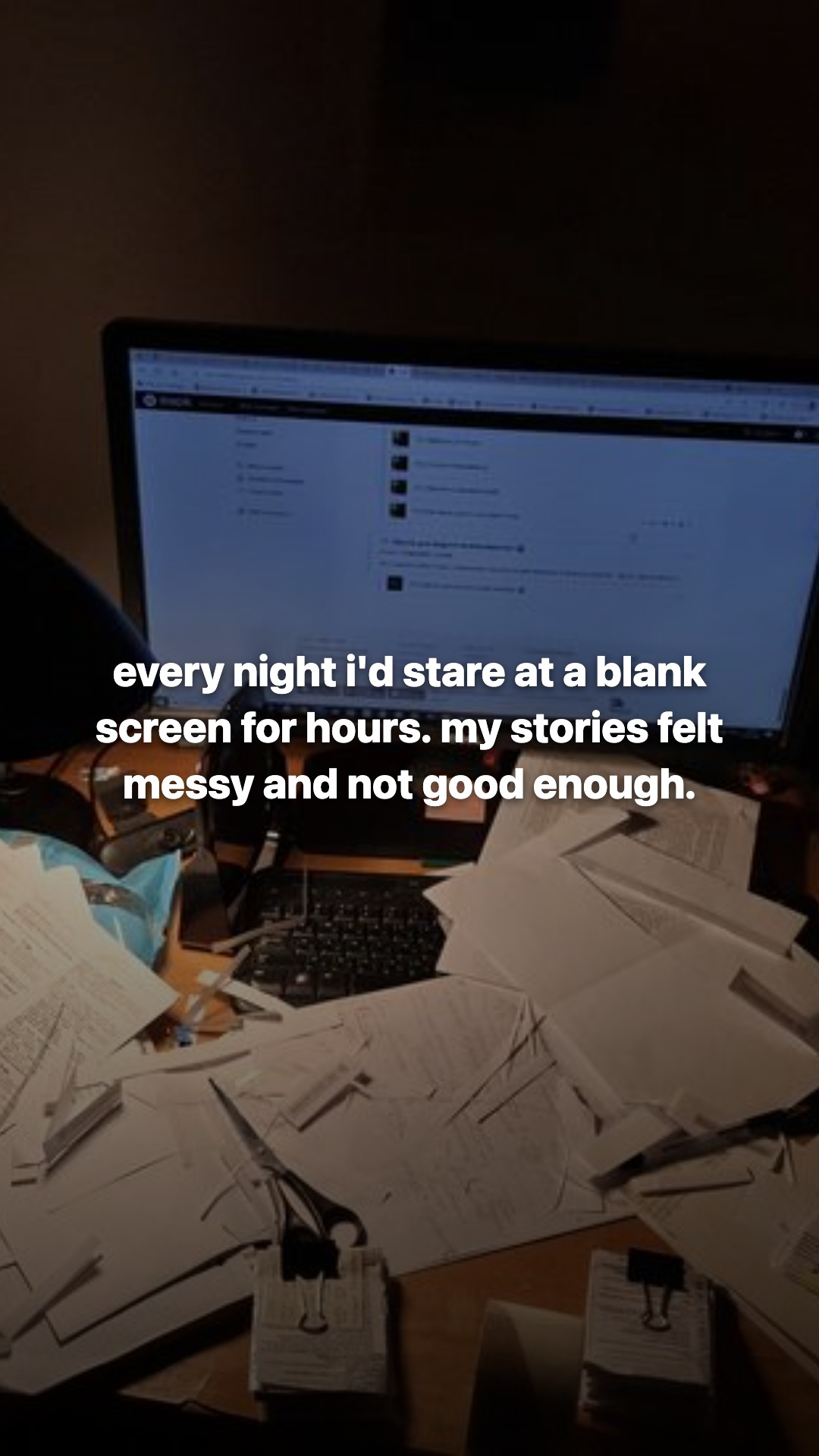
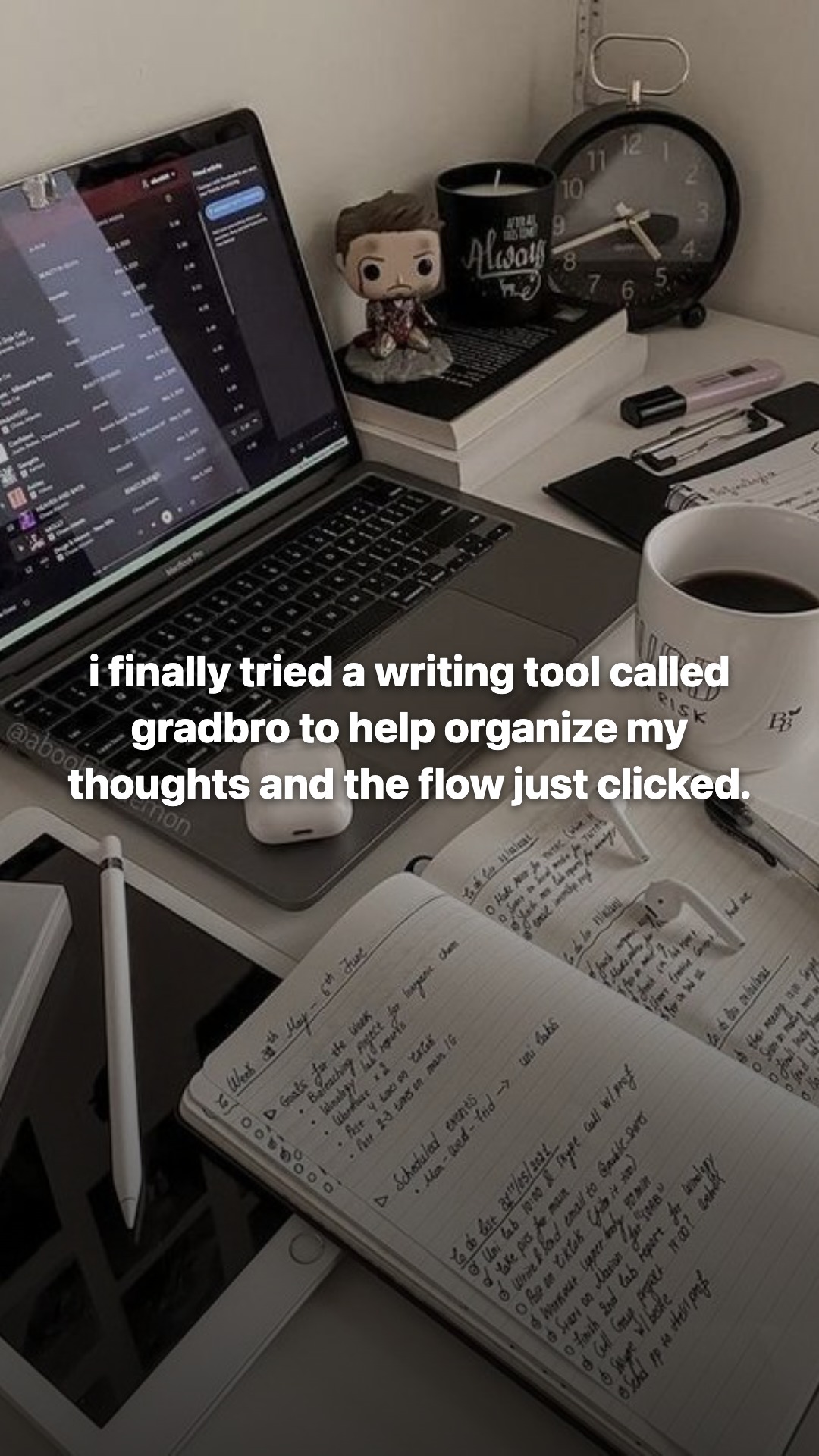
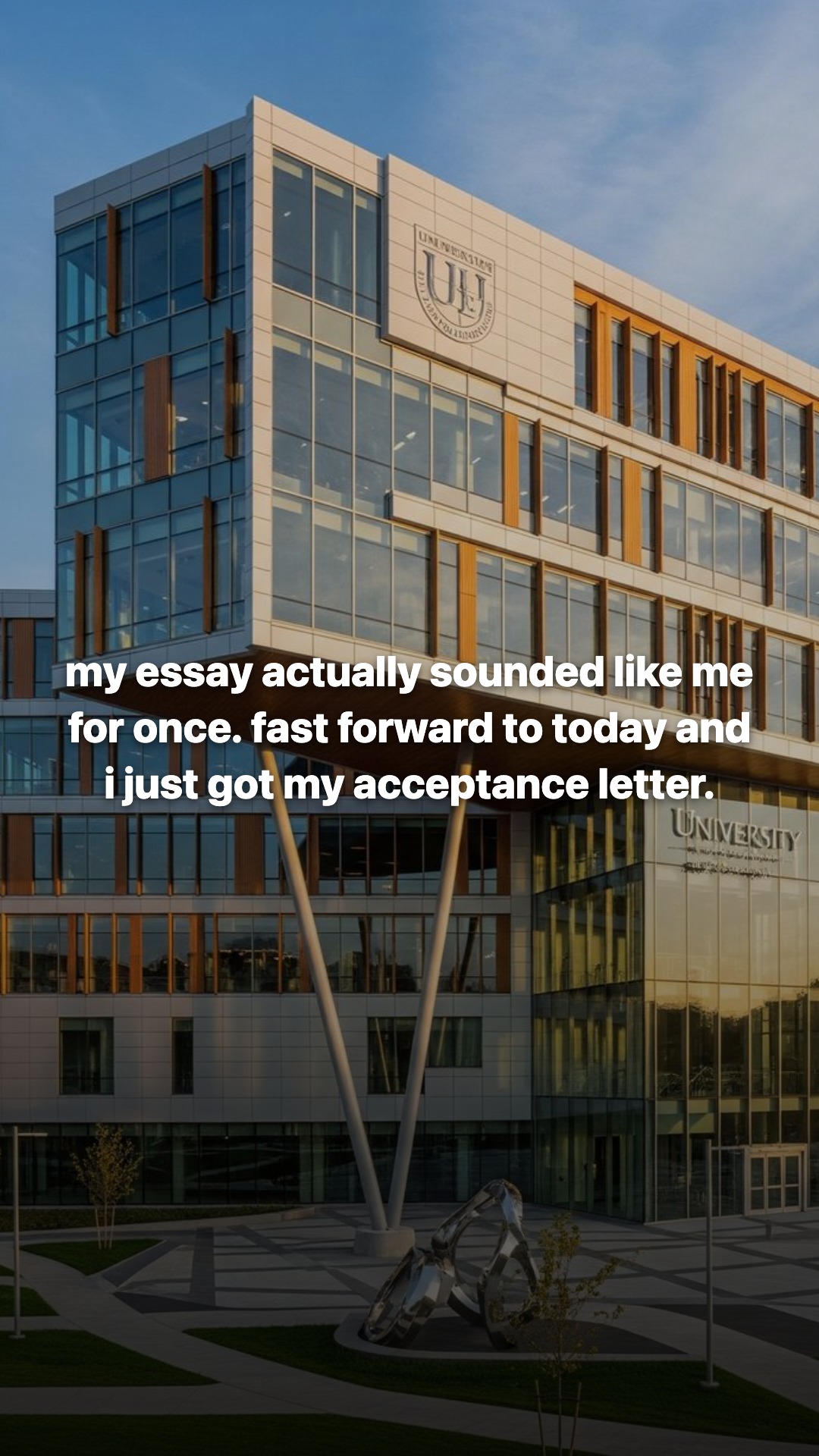
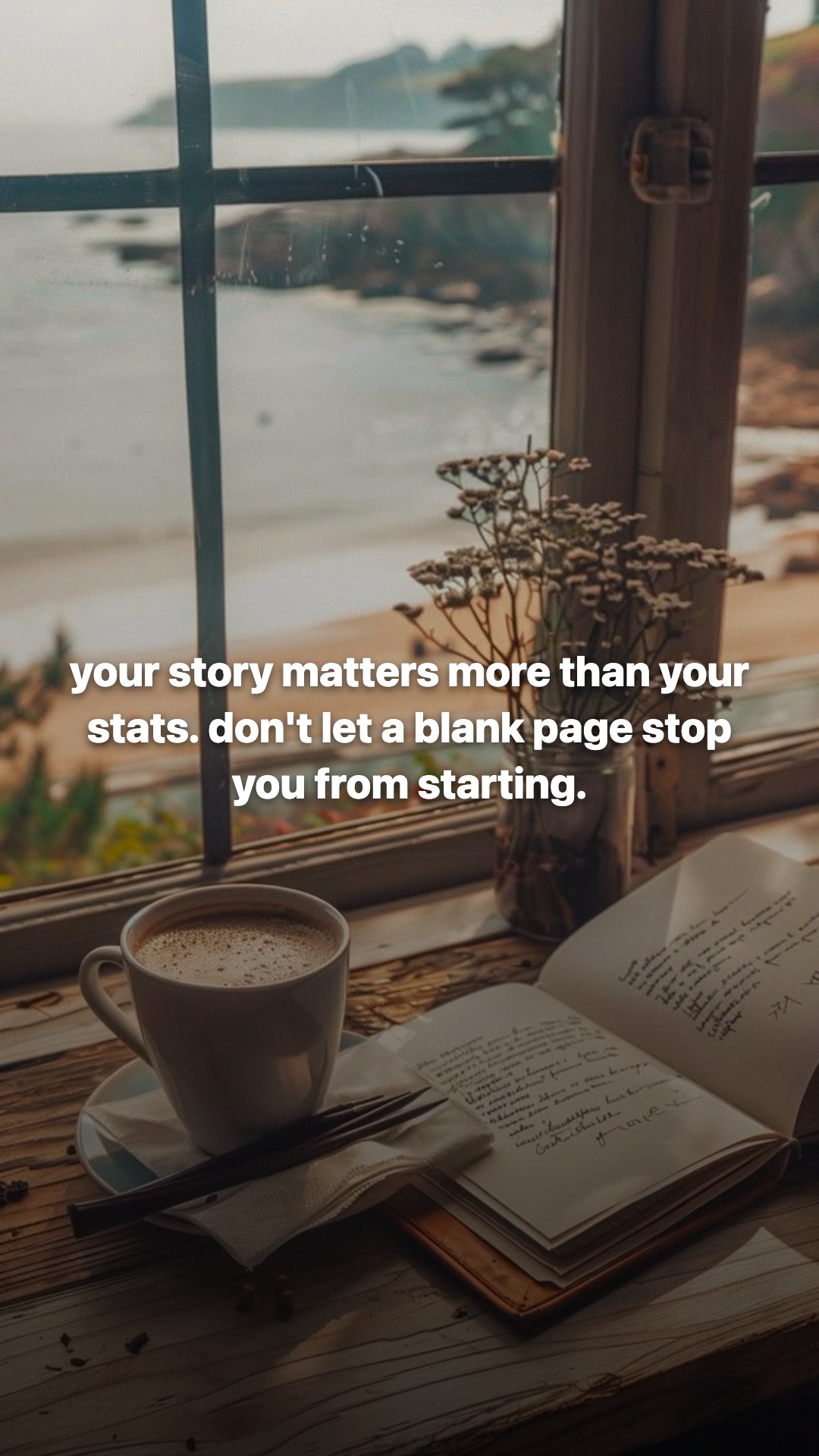
The structure is simple enough to reuse.
Slide 1 opens on pain: "i almost gave up on my grad school dreams because i couldn't write a single sentence."
Slide 2 makes it feel repeated: "every night i'd stare at a blank screen for hours. my stories felt messy and not good enough."
Slide 3 brings in the product when it finally makes sense: "i finally tried a writing tool called gradbro to help organize my thoughts and the flow just clicked."
Slide 4 gives the payoff: "my essay actually sounded like me for once. fast forward to today and i just got my acceptance letter."
Slide 5 turns the post into a belief and CTA: "your story matters more than your stats. don't let a blank page stop you from starting."
Much better than "five tips for writing essays."
Someone has a problem. The problem keeps happening. The tool enters when the person is stuck. The result feels personal. The final slide leaves the reader with a line they might save.
That is worth adapting.
Example 1: fitness app
Say the app is a calorie tracker or habit app.
Bad version:
"5 reasons Alpha Fit is the best fitness app."
That is a pitch. TikTok has no reason to care.
Better starting point:
- Working format: a myth or belief-shift slideshow.
- Product role: the app helps her notice patterns.
Example draft:
Slide 1: "I stopped trying to eat perfectly and finally logged lunch"
Slide 2: "The mistake was treating every meal like a moral decision"
Slide 3: "My tracker showed lunch was fine. The snacks were the pattern"
Slide 4: "Now I track the boring meals first and leave dinner alone"
Slide 5: "Save this if your diet fails every Monday"
The same structure can carry a bunch of hooks:
- "I thought dinner was ruining my progress. It was not dinner."
- "I was blaming carbs because that was easier than checking the pattern."
- "The app did not motivate me. It made the obvious thing visible."
- "I stopped restarting every Monday when I started logging the boring days."
The structure stays the same. The angle changes.
In Ghostfeed, this is where you would map the format to the fitness app and generate variants around the same slide jobs.
Example 2: essay-writing app
This one is closest to the GradBro reference above.
The product helps students write better college essays. The post should not feel like "GradBro official." It should feel like a student running into the blank-page problem and finding a way through it.
Audience context:
A high school senior who keeps finding out the hard way that college apps are less clean than people pretend.
Example draft:
Slide 1: "i almost gave up on my applications because i could not write one honest sentence"
Slide 2: "every draft sounded like i was trying to impress someone i had never met"
Slide 3: "then i used GradBro to organize the messy parts instead of forcing a perfect story"
Slide 4: "the essay finally sounded like me, not a scholarship bio"
Slide 5: "your story matters more than sounding impressive. start with the real moment."
Now make variants:
- "i thought my essay needed better words. it needed a better starting point."
- "my first draft sounded impressive. my second draft sounded like a person."
- "i stopped writing about my whole life and found the one scene that explained it."
GradBro does not show up too early. The pain comes first. The product enters when the blank-page problem needs a tool.
That is why the GradBro TikTok case study matters. The product worked inside a specific student problem. It was not treated like a logo reveal.
Example 3: reminder app
Now take a medicine reminder or care app.
You have to be careful here. Do not make medical promises. Do not turn the post into health advice.
The safe angle is habit and forgetfulness.
Working format:
"I kept messing this up because I trusted future me."
Example draft:
Slide 1: "I kept forgetting because I trusted future me"
Slide 2: "Future me is optimistic. Present me is busy."
Slide 3: "So I put the reminder where I actually look, not where I wish I looked"
Slide 4: "Same time. Same screen. Same tiny check."
Slide 5: "Save this if your routine depends on memory and vibes"
Variants:
- "I did not need a better routine. I needed fewer chances to forget."
- "The reminder that worked was the one I stopped trying to be clever about."
- "I kept making the system cute. Then I made it boring and it finally stuck."
Same slide jobs. Many hooks.
What Ghostfeed should do with a TikTok link
The simple version:
- paste a TikTok slideshow link or describe the format,
- add your website, App Store link, or product description,
- choose the product proof or app moment,
- generate one base slideshow,
- generate hook variants,
- review the variants before posting.
The output should not be "a slideshow about your app."
It should be a slideshow where your app has a reason to appear.
If you want to try the stripped-down version, use the App Slideshow Generator. Paste a website or App Store link, add a short product description if needed, and use the output as the first draft before you edit it inside Ghostfeed.
What to keep fixed
Keep these stable:
- the audience,
- the slide jobs,
- the product's role,
- the kind of pain the post opens with.
Change these:
- the first-slide hook,
- the exact situation,
- the proof screen,
- the belief shift,
- the CTA.
This is how you get volume without turning every variant into a brand-new idea.
A simple rule for every draft
Before posting, ask:
Does the product enter at the moment where the viewer actually needs it?
If the answer is no, the post is probably an ad wearing slideshow clothes.
If the answer is yes, test the hook.
That is the job of a TikTok slideshow maker for apps: turn working formats into product-specific slideshows without starting from zero every time.
Use Ghostfeed when you want to start from a TikTok format or product idea, add your app context, and generate slideshow variants around the same proven structure. Start with the free App Slideshow Generator if you just want the first five-slide draft.