“Fable is the brain. Seedance is the camera.”
Fine slogan. Incomplete system.
The useful question is what passes between them.
Anthropic positions Claude Fable 5 for long-running, multi-stage work and says it can use vision to check outputs. ByteDance says Seedance 2.0 accepts text, image, audio, and video references and can generate up to 15-second multi-shot audiovisual output. Those capabilities fit together—but they do not create a reliable production line by themselves.
Sources: Anthropic’s Claude Fable 5 page and ByteDance’s Seedance 2.0 launch.
The handoff needs a contract.
Give the reasoning model judgment work
Use Fable for tasks where context and tradeoffs matter:
- synthesizing customer evidence;
- separating facts from hypotheses;
- proposing testable angles;
- turning an approved angle into a shot plan;
- checking a render against the brief;
- explaining why a candidate failed;
- deciding the next bounded experiment.
Do not use it as a cron job with opinions.
Scheduling, queue state, retries, hashes, and budget limits belong in deterministic software.
Give the video model a shot contract
Bad input:
Make a viral realistic UGC video for our app.
Useful input:
The renderer can fail a field. Your system can diagnose a field.
Split creative intent from vendor syntax
Store an internal shot specification, then translate it for each model.
Tomorrow:
If the business logic contains model-specific prompt tricks everywhere, switching renderers becomes a rewrite.
Use multimodal references deliberately
Seedance 2.0 supports multiple input modalities. More references are not automatically better.
Each reference needs a declared job:
| Reference | Job |
|---|---|
| Creator image | Identity |
| Source frame | Composition and wardrobe |
| Motion clip | Gesture or camera behavior |
| Audio | Timing and performance |
| Product capture | Interface fidelity |
Conflicting references create ambiguous instructions.
For example, a source frame with side lighting and a motion reference shot under flat office light may pull the output in two directions. Decide which reference owns lighting.
Approve the source frame before motion
This is one of the highest-leverage gates in the pipeline.
Check:
- correct person;
- licensed use;
- product and environment;
- wardrobe;
- camera angle;
- lighting;
- empty space for overlays;
- no accidental brands;
- no malformed hands or props.
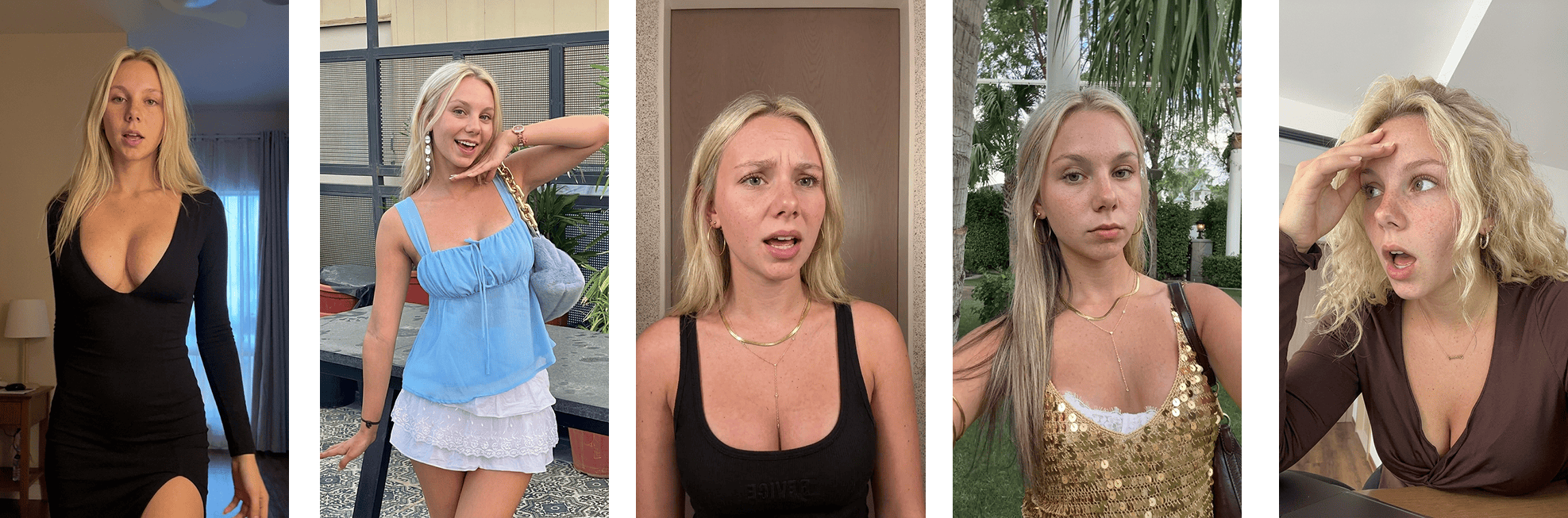 A source-frame approval view
If the frame is wrong, motion generation makes the wrong decision more expensive.
Claude renders the Ghostfeed opening frame for review before it spends credits animating the reaction.Route by capability, not prestige
The most capable model should not process every job.
Define a test suite:
| Test | What it measures |
|---|---|
| Creator talking to camera | Identity and lip performance |
| Hand using product | Interaction physics |
| Exact app screen | Interface preservation |
| Two-person exchange | Multi-subject continuity |
| Fast camera move | Temporal stability |
| Quiet testimonial | Micro-expression and natural motion |
Score candidates blind:
Then route each shot family to the cheapest model that clears its quality floor.
That is real model routing.
“Cheap model for tests, expensive model for winners” is too crude. A cheap renderer may be excellent at simple talking-head clips and terrible at product interaction. A premium renderer may still fail exact UI.
Make the evaluator inspect the right evidence
For every render, provide:
- canonical shot spec;
- approved source frame;
- sampled frames;
- audio transcript;
- rights and claim constraints;
- model/provider metadata.
Ask for structured output:
The evaluator should not return “looks realistic.”
It should return a decision you can act on.
Do not let AI approve itself alone
The strongest counterargument to automated QC is correct: the evaluator can miss the same class of error as the generator.
Use layers:
- deterministic media checks;
- model-based inspection;
- human review for high-risk or high-spend assets;
- random sampling of approved low-risk output;
- post-publication incident feedback.
Escalate automatically when:
- confidence is low;
- evaluator passes disagree;
- a claim is present;
- a real person’s likeness is used;
- the product UI is central;
- the asset will receive meaningful paid spend.
Budget the accepted asset
Per-generation price is not the decision metric.
Example:
| Renderer | Generation cost | Acceptance | Review burden | Better choice? |
|---|---|---|---|---|
| A | $0.40 | 30% | High | Maybe not |
| B | $1.60 | 80% | Low | Possibly |
If A needs four attempts and twenty minutes of repair, it may be more expensive.
Use your own measured provider prices. Model pricing and availability change.
Put hard limits around the agent
A long-running agent in this workflow has Ghostfeed MCP access. It is allowed to search the workspace's reaction templates, fall back to the inspiration library, import a source, generate first-frame candidates, poll jobs, and animate approved frame IDs. It is not allowed to silently choose a long-video crop, approve its own frame, or publish.
It still needs:
Without limits, “autonomous” can mean quietly expensive.
The conversation should therefore sound like an operator controlling Ghostfeed, not a model handing work to an imaginary pipeline:
If an imported source returns needs_action, the agent sends the Ghostfeed dashboard URL. There I can choose the crop or run Smart Crop, which detects scene changes and saves several shorter templates. The MCP session resumes only after a usable template exists.
Example: from insight to accepted clip
Customer evidence:
I ignored generic reminders, but I responded when the message named the task I had postponed.
Hypothesis:
Specific reminder copy creates more perceived relevance than generic encouragement.
Creative:
- creator dismisses “You’ve got this”;
- app shows “Send the invoice to Ana”;
- creator opens the task;
- overlay: “Specific beats motivational.”
The reasoning model:
- traces the claim to evidence;
- writes three hook variants;
- selects one product interaction;
- emits the canonical shot spec.
The renderer:
- animates the approved source frame;
- follows the motion and audio references.
- uses an explicit clone route only when the owned source performance should survive;
- otherwise takes a new approved prompt and performance direction.
The evaluator:
- checks identity, interaction, UI, timing, and claim fidelity;
- routes a bad UI render to compositing instead of another full generation.
The human:
- approves the final asset and spend tier.
That is an actual handoff.
What I would build
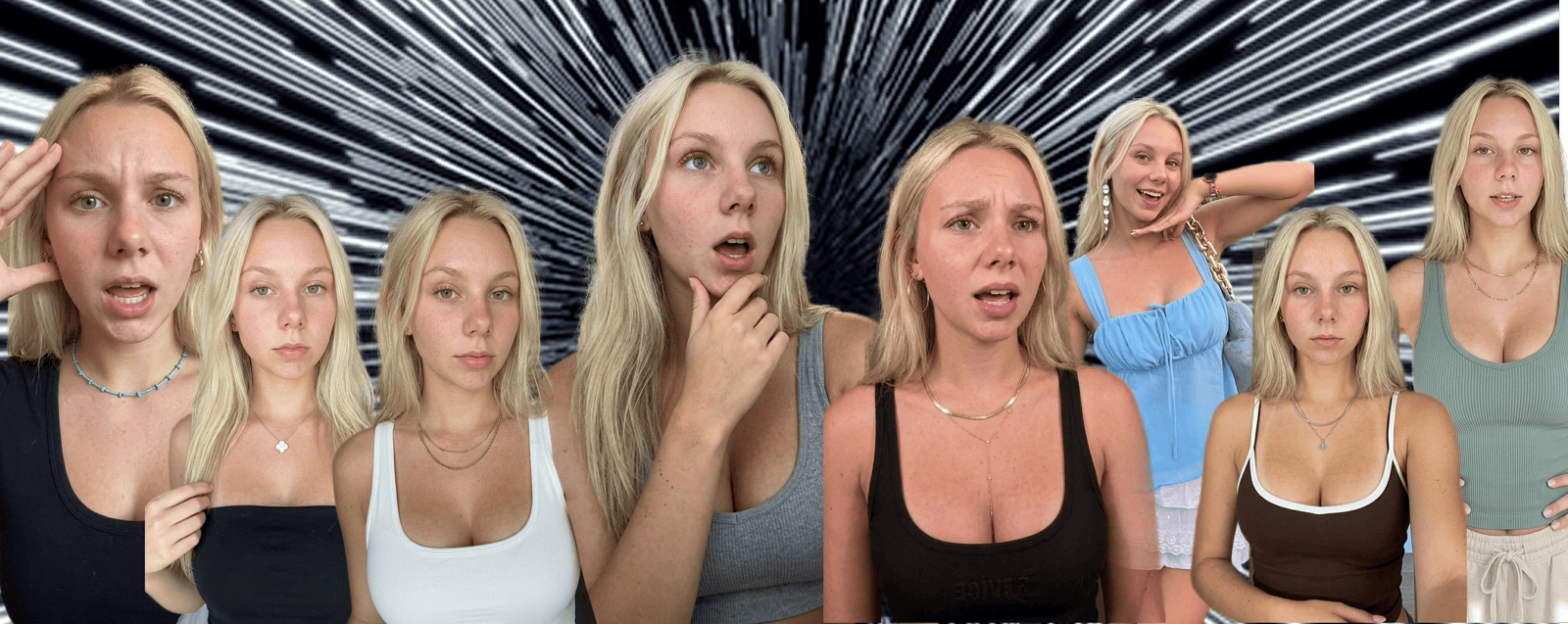 An AI UGC workflow with explicit stages
No filming, no editing, no prompting is a useful product promise.
Underneath it, the engineering still needs observable state, permissions, budgets, and gates.
Ghostfeed is built to make those decisions reusable. One approved creative direction can become hundreds of posts without turning the workflow into a pile of model-specific prompts.
The moat is not early access to a model.
It is the quality of the contract between judgment and execution.