Most “slideshow automation” advice starts in the wrong place. It assumes the job is to produce more JPEGs.
Inside Ghostfeed, the real unit is an editable base deck: the slide order, copy, text geometry, background provenance, caption, and product context that made the idea worth multiplying.
The loop looks like this:
There are three creation doors because they solve different jobs.
| Start in Ghostfeed | Use it when | What the system should preserve |
|---|---|---|
| From Social | You found a useful TikTok Photo Mode post or image-only Instagram carousel | Slide count, beat order, pacing, and visual logic |
| From Prompt | You know the audience, topic, or angle | Your direction plus any mentioned product, collection, or avatar context |
| From Scratch | You already know exactly what each slide should do | A clean three-slide canvas you can extend, reorder, and art-direct yourself |
That choice matters. A reference remix, a generated concept, and a blank canvas should not silently become the same five-card template.
Route 1: remix a working social format
Paste a TikTok Photo Mode URL or an image-only Instagram carousel into From Social.
Ghostfeed extracts the source images and caption, analyzes the slide structure and visual strategy, and scaffolds the new deck to the same slide count. The source is a structural reference, not a license to copy its words or media. The Director writes fresh copy and casts fresh backgrounds while keeping the useful sequence recognizable.
If the source runs:
the remix should preserve that job sequence. It should not collapse into a generic “five benefits of our app” deck just because product context was attached.
Route 2: build from a prompt
Use From Prompt when the idea is yours. Describe the audience, tension, angle, and proof you want the deck to carry. Type @ to mention products, image collections, or approved avatars rather than pasting their context into a giant prompt.
Ghostfeed lets the story determine the first deck’s length when you do not specify one. That is deliberate: a reaction can work in three slides, while a narrative or list may need eight. The product supports 3–12 slides in this generated route.
The Director then builds into a saved scaffold instead of returning a flattened image bundle. Copy, background, text placement, and caption stay editable in the same Studio.
Route 3: art-direct from scratch
Use From Scratch when the structure is already decided or when Claude is driving Ghostfeed through MCP. The dashboard opens a three-slide blank project; you can add, remove, and reorder slides, then choose every background and text treatment directly.
Backgrounds can come from Pinterest search, workspace collections, product collections, avatar image pools, uploads, or external image URLs. Text is stored separately from the image, so a weak line can be fixed without regenerating the scene.
The full Ghostfeed walkthrough: create the deck, cast the slides, keep the copy editable, and review the saved result.Review the base before multiplying it
Every route ends in the same editor. This is the boundary between generation and approval.
Before opening Generate variants, check:
- does slide one make a specific promise?
- does each following slide pay down that promise?
- is the product proof legible at phone size?
- do the images belong to one visual world?
- is the caption accurate?
- would you actually publish this base deck?
Do not multiply an unresolved base. Variants inherit its cadence, slide count, text geometry, and visual taste.
Generate variants from the accepted base
The variant modal accepts a direction and a count. Ghostfeed can suggest distinct hooks from the base and product context, or you can write the angle yourself. Each usable hook becomes its own pending deck.
The new hook is the topical source of truth. The base is the structural source of truth.
That means a variant should:
- keep the base deck’s useful cadence and text treatment;
- write fresh copy for every slide around the new hook;
- preserve deliberate uploads and unattributed AI images;
- rotate collection images within the same collection;
- rotate avatar images within the same approved avatar;
- recast Pinterest-style slides with fresh search results.
This source-aware rule is one of the important product decisions. Rerolling everything would destroy deliberate art direction and could trigger unexpected image-generation cost. Preserving everything would produce cosmetic duplicates.
Ghostfeed takes the middle path: keep deliberate choices, rotate assets that belong to a reusable pool, and recast discovery-based backgrounds.
Export winners, then repurpose
Ghostfeed produces separate editable decks. You compare them, fix individual slides, and export only the variants you would publish. Audio choice and platform publishing remain explicit actions.
Once that loop works, the same approved argument can be adapted across platforms.
Cross-posting is not repurposing.
If you upload the same nine images, same line breaks, same CTA, and same caption everywhere, you have saved time.
You have not made platform-native creative.
The right model is:
Keep the claim, evidence, and narrative.
Adapt the presentation.
Lock the argument before adapting it
For an invoice-reminder app, I would create the Ghostfeed base with a prompt like:
The invariant is the customer problem, mechanism, approved proof, and CTA intent. Those facts should survive every variant and every platform adaptation.
The presentation can change. If TikTok says the product saves ten hours and Instagram says three, the process did not repurpose the creative—it corrupted the claim.
TikTok photo post
The Ghostfeed base is already a vertical, swipe-controlled sequence. Keep the opening line compact and review every slide at phone size before export.
Possible structure:
- concise interruption;
- tension;
- before state;
- after state;
- mechanism;
- product proof;
- objection;
- CTA.
Overlay:
I wasn’t forgetting invoices.
Next slide:
“Send invoices” was too vague to start.
The writing can be conversational. The image sequence still needs an argument.
 01
01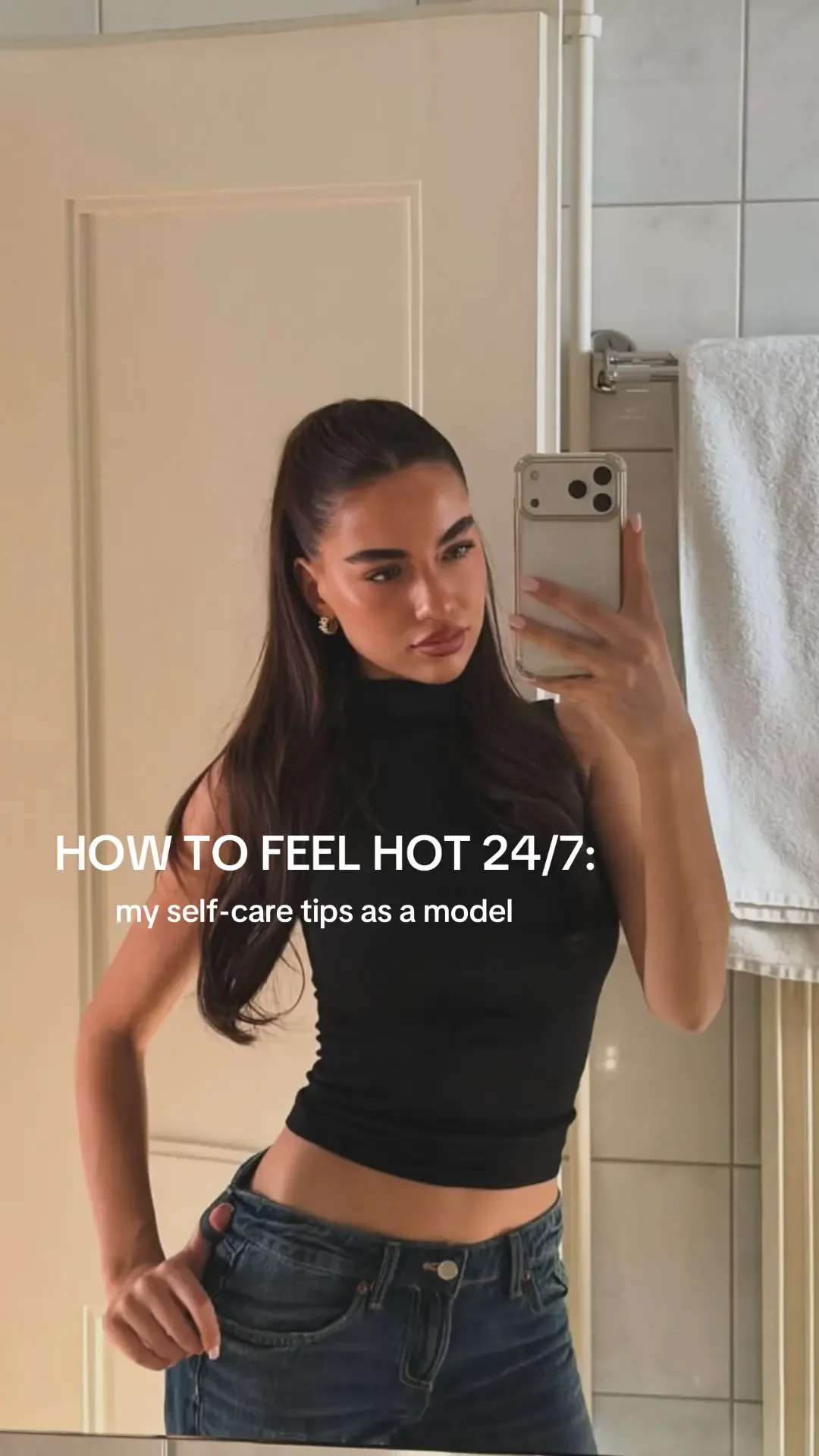 02
02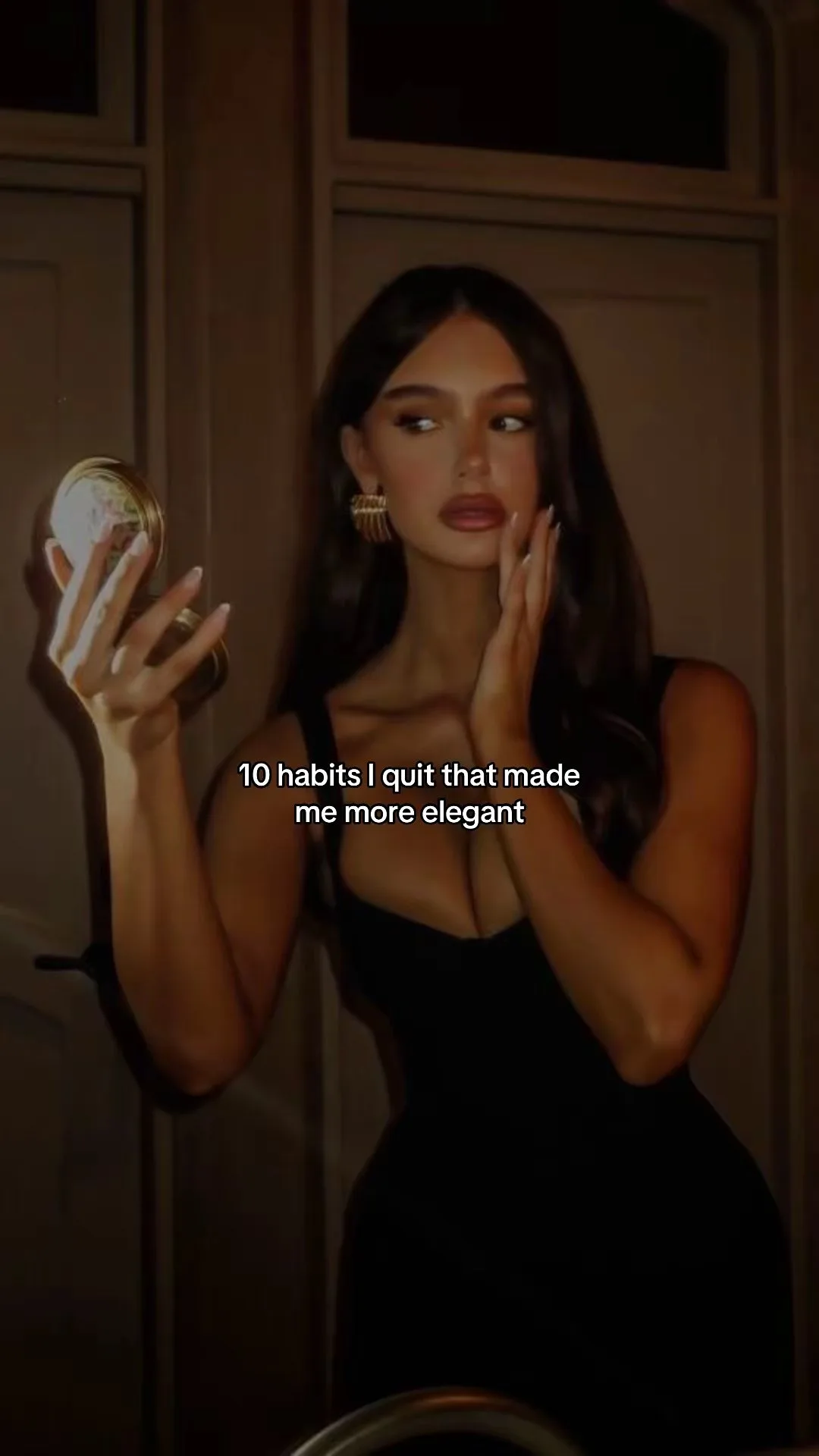 03
03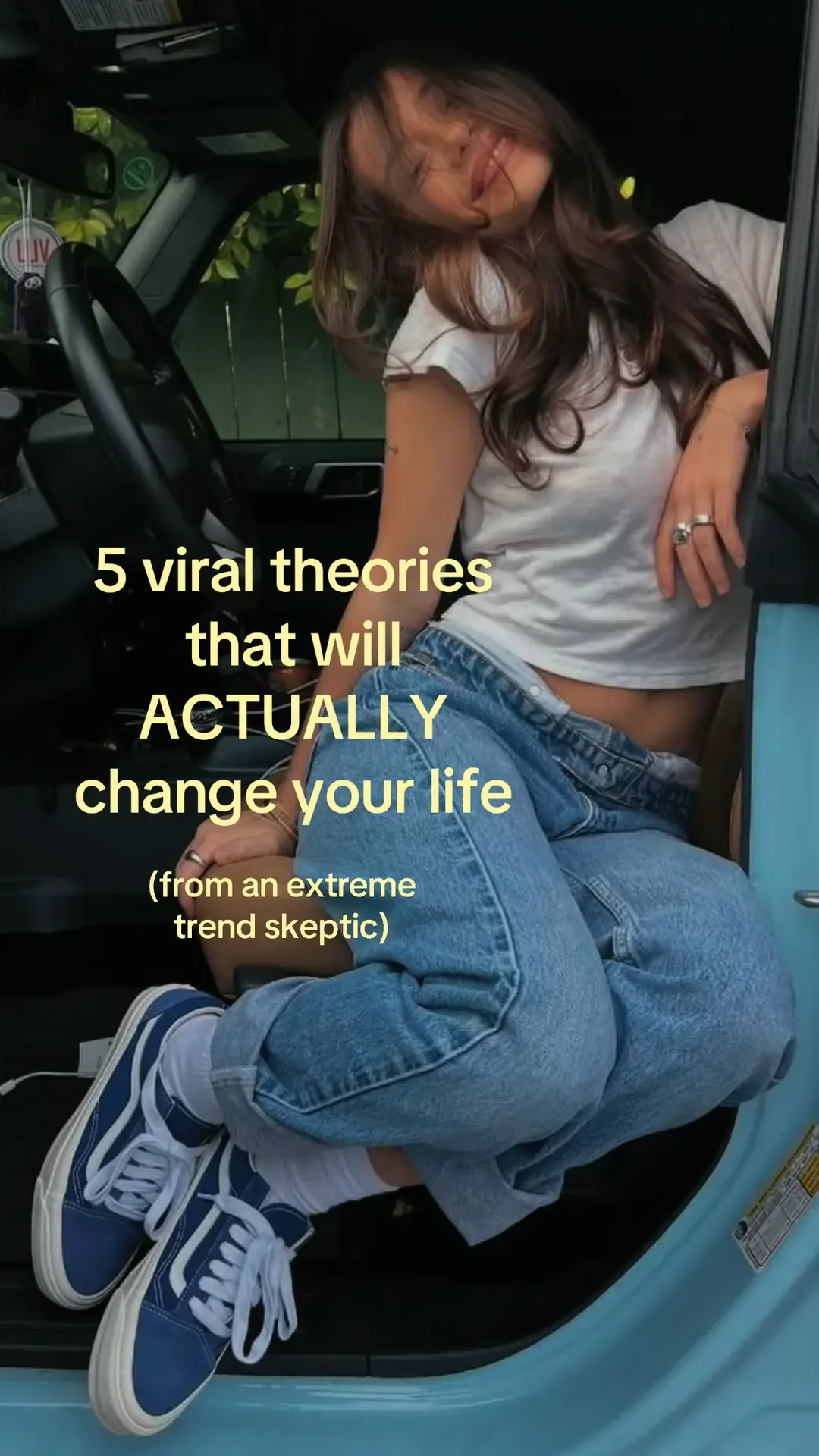 04
04Instagram carousel
Do not upload the same 9:16 export and call it adapted.
Recompose:
- shorter lines;
- more breathing room;
- cover that also works on a profile grid;
- stronger typographic hierarchy;
- optional diagram or screenshot slide;
- conclusion that is useful when shared out of context.
TikTok overlay:
“Send invoices” was too vague to start.
Instagram card:
Same idea. Better use of the canvas.
Ghostfeed remains useful here because the accepted base has not been flattened into one opaque poster. The operator can reuse the approved copy, backgrounds, and beat order while rebuilding the presentation for Instagram’s canvas and profile-grid context. That adaptation is still a deliberate edit—not a one-click claim the product does not currently make.
Facebook feed
The post copy can carry more context, but do not assume demographic stereotypes.
Adapt from behavior:
- Is the audience reading the caption?
- Do link posts or native images perform better on this account?
- Is the content being shared into groups?
- Are comments substantive or confused?
The asset may become:
- a shorter image sequence;
- a single before/after graphic;
- a native video;
- a post with a clearer explanatory caption.
Platform strategy comes from account evidence, not “Facebook users are older.”
YouTube Shorts
A swipeable carousel is not a YouTube Short.
You need a video.
YouTube describes Shorts as square or vertical videos up to three minutes. See YouTube’s official Shorts guidance.
Convert the canonical scenes into a timed edit:
Add:
- voiceover;
- captions;
- transitions only where they clarify;
- licensed music or platform-safe audio;
- a first frame that works before sound.
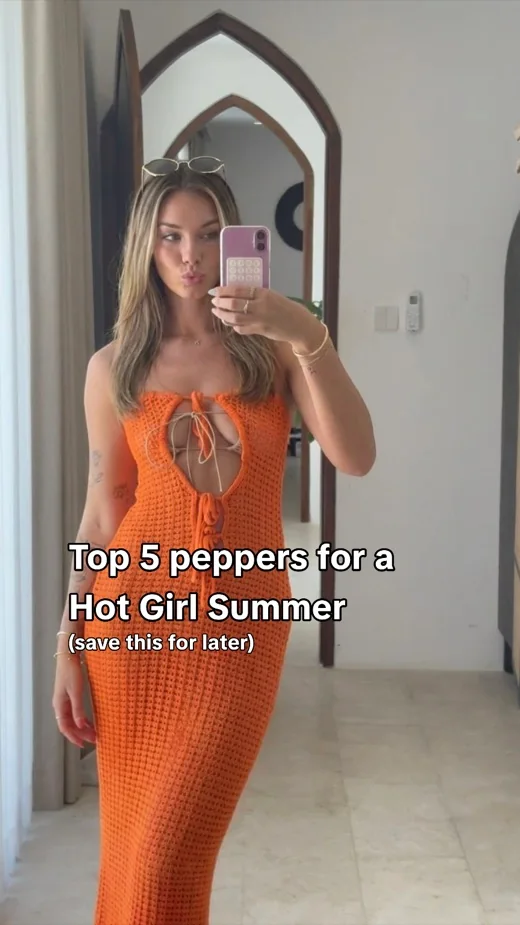 01
01 02
02 03
03 04
04Keep text out of generated images
Use the image model for:
- people;
- settings;
- objects;
- composition;
- supporting visual metaphors.
Use deterministic rendering for:
- exact product screens;
- headings;
- body copy;
- labels;
- disclosures;
- logos.
Benefits:
- edits do not require regeneration;
- accessibility can improve;
- line breaks adapt per canvas;
- product text stays correct;
- translation becomes possible.
What Ghostfeed carries into a variant
When a new variant is generated, the base text boxes keep their geometry and styling while the placeholder copy is rewritten around the new hook. This is how variants feel related without reusing the original wording.
Background behavior depends on where each base image came from:
| Base slide | Variant behavior |
|---|---|
| Pinterest or an empty discovery slot | Search and cast a fresh background |
| Workspace collection | Rotate to another image in that same collection |
| Approved avatar | Rotate within that avatar’s saved image pool |
| AI image with an avatar identity | Treat it as part of the avatar pool |
| AI image without an avatar | Preserve it |
| Upload or pasted image URL | Preserve it |
If a collection or avatar pool has disappeared, Ghostfeed preserves the current image instead of failing the entire batch.
This is not a generic design-token system. It is provenance-aware variation inside the actual slideshow project.
Adapt interaction, not just size
| Channel execution | Primary interaction |
|---|---|
| TikTok photo post | Swipe |
| Instagram carousel | Swipe/save/share |
| Facebook feed | Read/share/comment/click |
| YouTube Short | Watch/rewatch/subscribe/click onward |
Creative pacing follows the interaction.
A carousel can let the viewer control reading speed. A Short cannot. The video needs enough screen time for the text to be read.
Adapt the CTA
One core intent:
Native expressions:
TikTok
The exact workflow is in the profile.
Save the before/after. The product walkthrough is linked in the profile.
See the full reminder workflow:
[supported destination]
Shorts
The full setup is linked from the channel.
Verify current platform capabilities and policies before automating links or publishing. They change.
Keep the family inside one Ghostfeed project
Generated variants stay attached to the base project and open as separate editable decks in the variant browser. That gives the operator a practical lineage:
Ghostfeed stores the base reference and generation context instead of pretending every export is an unrelated creative. Performance still has to be joined back after publishing, but the creative family itself is visible and reviewable.
Do not compare platform views directly
View definitions, distribution surfaces, and interaction models differ.
Use platform-native metrics, then map them to a common objective.
Example:
YouTube changed Shorts view counting in 2025 and retained “engaged views” for viewers who chose to continue watching. That is exactly why raw cross-platform view comparisons are fragile. See YouTube’s current Shorts documentation.
The operating loop I would actually run
- Start one Ghostfeed project from the best prompt or social reference.
- Fix the base until it is publishable.
- Generate three variants around meaningfully different hooks.
- Review the batch in the variant browser and export only accepted decks.
- Publish through your authorized accounts with platform-native audio and copy.
- Record which hook and platform execution produced qualified product behavior.
- Use that winner as evidence for the next project—not as permission to duplicate it forever.
Claude can run the build and edit loop through Ghostfeed’s MCP tools, but the same dashboard project comes back for human review. The agent does not get a separate shadow version of the deck.
The rule
Reuse the expensive thinking.
Rebuild the cheap presentation.
One winner can support many posts. It is not permission to spray the same export everywhere.
Ghostfeed is built around the reusable part of that process: a social reference or prompt becomes an editable base, the accepted base becomes source-aware variants, and every deck remains inspectable before export.
Repurposing should preserve what is true.
Everything else is allowed to change.