The TikTok account warmup space has way too much religion. When I started on this journey I bought multiple $100 guides and most of them were useless GPT slop (however not entirely, gave me starting point).
All of them sounds too binary and absolutist, naturally after reading a ton of them and asking following question to the ever so lawful GPT, I got completely paranoid while setting up my phone farm. I started doubting every step, every single leak in isolution gave me stomach drops. In retrospect all of that unnecessary.
After setting up a 4-device phone farm and actually using the accounts, my current take is simpler:
A warm account still needs content that feels native to the account lane.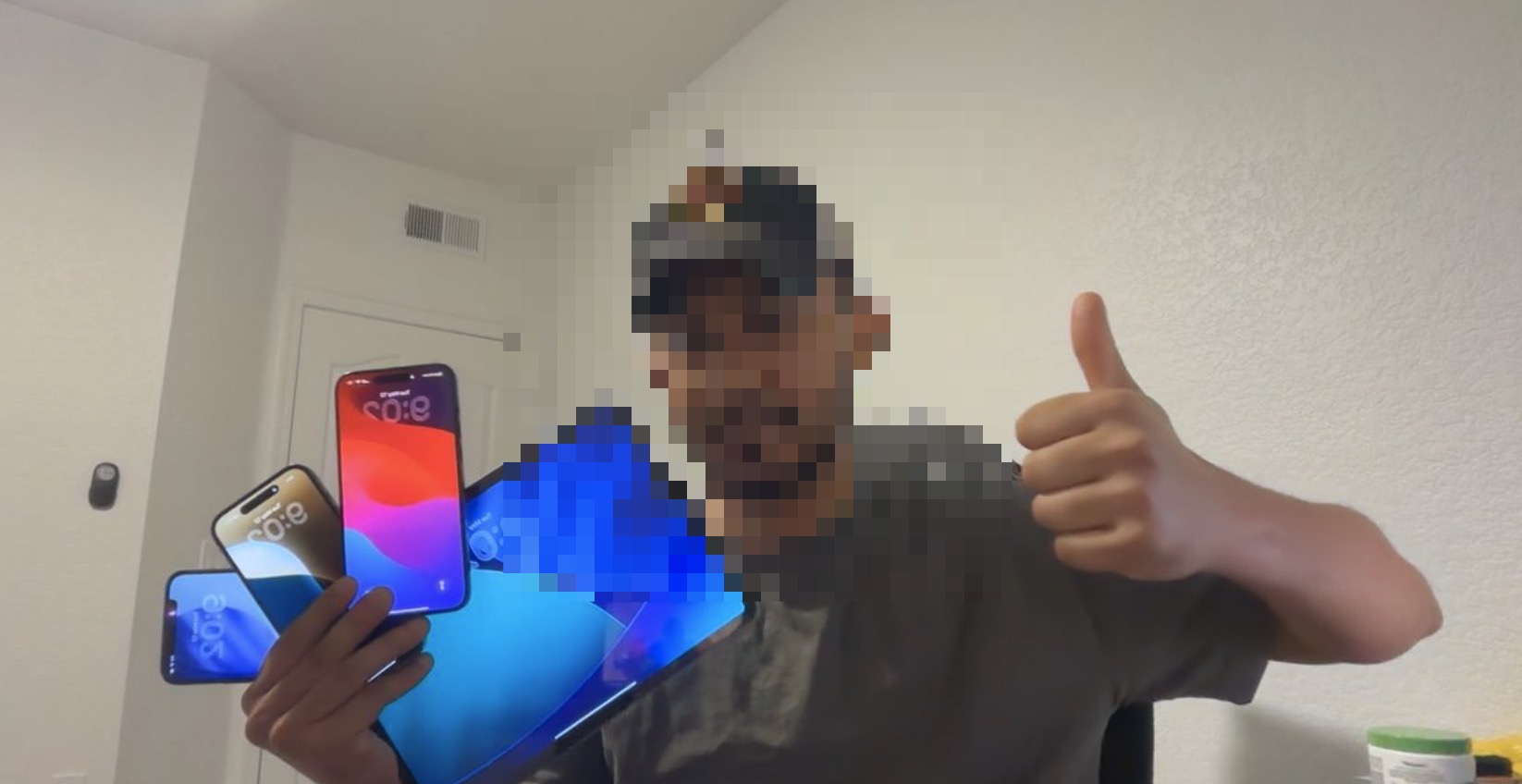 Four-device TikTok phone farm setup
3 main things to keep in mind - IP consistency, emulating human user behaviour, physical devices.
Quick Clarification: I have seen people experimenting with cloud phones + residential proxies to some success (and kudos to their efforts), however that setup is somewhat fragile, and I want to grow these AI influencers consistently on a long horizon, as a result reliability is important, hence physical devices (iphone 10+, iphones are important due to privacy and to dodge device finger printing, tiktok tracks every movement on an android (lack of isolation)) and dedicated sim cards (from Tello - $13 for a 10Gb plan is enough for 3 accounts per phone).
A friend of mine operates from India and he told me does not even use residential proxies, just FASTVPN and hasn't run into any problems, so might not even needs those. The whole point of this guide is to reduce the amount of fear mongering in this space, try things for yourself, certain things might be easier than you think and some other harder.
This post is the field version of the phone-farm section from the No BS Guide to AI UGC at Scale. More "here is what did and did not break."
Myth 1: 200 views means the phone is shadowbanned forever
This makes people panic. In my setup, all of my phones were not permanently shadowbanned just because an account got less than 200 views. Just stop posting for 2-3 days, keep using TikTok like a normal human (regular footprint) and then start posting again like regular - 4/5 times the next video distributes like normal (dont give up too soon, I have seen people freaking out too soon and then resetting the phone and loosing the entire warmup effort). In my experience it supression goes away automatically if you just keep using the account as normal. That was usually enough to get the account unstuck.
Sometimes the content is wrong. Sometimes the account is too fresh. Sometimes the posting pattern looks weird. Sometimes TikTok is just being TikTok.
If the phone, IP, Apple ID, region, and behavior are consistent, I do not throw the device away because of one dead post.
PS: Try something spicy, something that grabs user attention, if you are posting normie stuff than 200 view jail is expected at times.Myth 2: If you make a single mistake in the warmup checklist - you gotta start all over
Scroll for this many minutes. Comment this exact phrase. Follow this exact number of accounts. Post only inside this exact window. All of that is mostly BS. GPT Slop. Keep it simple, use the phone like normal, and 10-15 mins a day is fine in my experience for 4 days. If you want to be extra careful, do two short sessions. But I have not seen a reason to treat this as some sacred ritual and putting hard numbers on it, do what doesn't feel annoying (since you have to do this everyday for a few days, consistency is more important and the minor details).
The only thing you need to worry about is IP if you are outside the states. I use IP Fighter before opening TikTok, keep the VPN or proxy on auto-connect, and avoid changing Wi-Fi too often during warmup.
Tip:
Pro Tip: While warming up accounts, the most human signal you can give the algorithm is holding tap on left/right of screen to watch at 2x speed. Never found this on any warmup guides, my GF pointed it out innocently and now I am studying her to build my warm up ADB scripts.
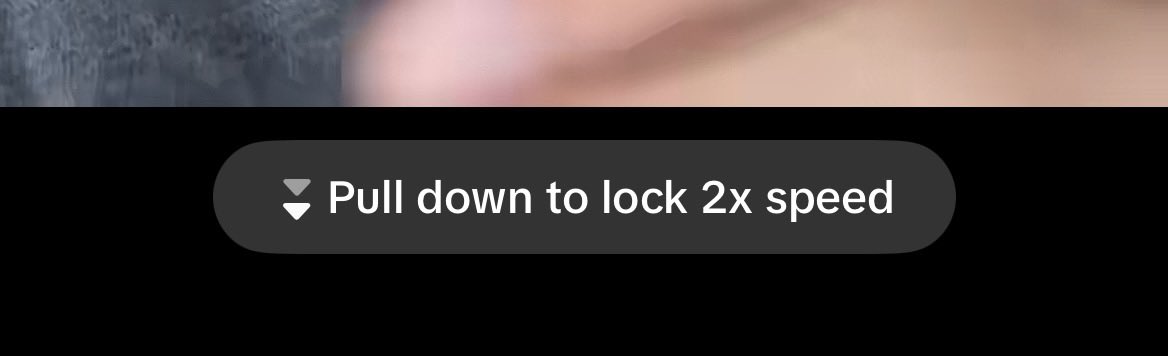 TikTok pull-down gesture to lock 2x speed while scrolling
Myth 3: You can freely swap apple IDs on a device as long as Tiktok is not installed
Accounts because they were all silently linked through one common Apple ID, if its has touched the phone post reset. Different phones, accounts, proxies wont matter, accounts will be linkedin on a meta level.
Apple seems to fingerprint all Apple IDs that touch the device. TikTok picks up the shared Apple ID history, linked the accounts, and flagged the batch.
Myth 4: Content Volume is all that matters
What has proven to work in our testing is that its not just about creating trendy tiktoks, envision your avatars doings, give them likes and dislikes, hobbies, and personality and keep a running doc through claude.
And then just ask claude what could my avatar be doing, then find similar videos through lightreel, and clone them to your avatar using ghostfeed and then edit and post.
This is a content we made for our client who runs a shopify business, see how its not just random wisdom but a subtle persona weaved into the content.Thank me later for these
Mistakes to avoid (that I personally learned the hard way)
- Phone number from Tello are low reputations at times, experiment with US Mobile and Visible. You need at least 10 GB/ month for properly warming up 3 accounts per phone.
- You do need new phone numbers cause google or apple with not allow you to create accounts with SMS verification. Do not make all accounts at once, space them out. Google says they allow 5 accounts per phone, but with a tello number it only allowed me to create 3.
- Once you create an account immediately put in a recovery email, in case google retroactively flags the email.
- Make sure age of the user while creating an account is 18+, tiktok wont let you change it later, without face and government ID verification.
Where Ghostfeed fits into all of this
Once the account is clean, the real work is still, - better hooks, more account lanes, more format tests, better product placement, faster creative iteration, plugging your products. That is the whole reason Ghostfeed exists. You should not be manually reinventing every UGC angle once the account stack is working.
We intially built Ghostfeed as an internal tool and still use it every single day for our operations, so we understand lived through the workflow in this game very deeply. So what you experience at the product level is embedded knowleadge from directly living in the arena, something I can not confidently say about our competitors.
Feel free to message the founder of Ghostfeed on X in case you are looking for free credits to get started and get a feel of the product before committing.