The useful AI UGC prompt is not a cinematic paragraph.
It is a production contract:
- what the asset is for;
- which approved inputs it must preserve;
- what changes;
- what stays fixed;
- what happens over time;
- what output is required;
- why the result should be rejected.
That structure survives model changes better than a bag of magic adjectives.
The template
Not every provider accepts YAML. The schema is the source of truth; an adapter turns it into the provider-specific prompt and parameters.
1. Job
The model does not need your entire campaign strategy.
It needs enough context to make visual decisions.
Bad:
Make a viral UGC girl.
Good:
Create the starting frame for a silent skeptical reaction. The person is reading an off-screen production report and has not reacted yet.
2. Source assets
Use stable IDs:
References solve problems words solve badly:
- identity;
- exact product;
- location continuity;
- motion;
- brand style.
Do not upload irrelevant references "for consistency." Every reference competes for attention.
3. Scene
Describe functional details:
Avoid fake-authenticity clutter:
messy room, clothes everywhere, random objects, imperfect and authentic
Objects should explain the scene, not signal that the prompt writer knows real homes are messy.
4. Camera
Use the camera language that fits the format:
- handheld front camera;
- phone on desk stand;
- over-the-shoulder product view;
- screen recording;
- tripod founder explanation;
- surveillance-like fixed frame;
- editorial studio.
"UGC" does not always mean fake handheld movement.
5. Performance beats
For video:
Performance prompts improve when they describe:
- attention;
- cause;
- timing;
- magnitude;
- pause.
Weak:
shocked and expressive
Strong:
checks the same line twice, then looks toward camera without speaking
6. Invariants and flexibility
If everything is fixed, the output can become rigid.
If nothing is fixed, continuity disappears.
7. Exclusions
Use exclusions for likely, meaningful failures:
Do not paste a universal 80-item negative prompt into every model.
Some providers ignore negative phrasing. Some overweight it. Some expose separate parameters.
Benchmark the adapter.
8. Output
Resolution syntax and supported durations vary.
Your prompt compiler should validate against the current provider contract before dispatch.
9. Rejection criteria
This makes approval testable.
"Make it realistic" does not.
Full image example
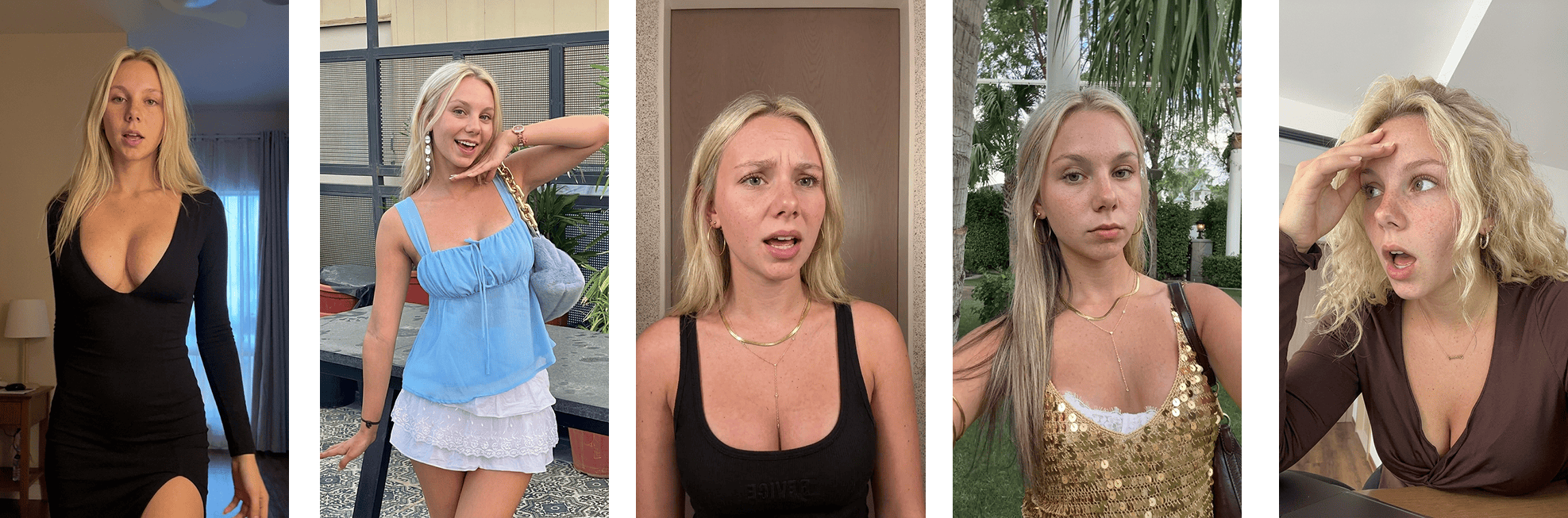 Approved source frame used in an AI UGC workflow
The actual product screen can be composited later.
Full motion example
Prompt components should be versioned
Store the compiled prompt and structured source.
If the provider changes behavior, you can recompile or compare.
Create provider adapters
Adapter responsibilities:
- validate supported fields;
- convert references;
- compile provider prompt;
- map output settings;
- attach idempotency;
- record model version;
- normalize errors.
Do not let application logic depend on one model's prose conventions.
Debug by field
Failure:
Identity drift.
Check:
- creator reference;
- source frame;
- expression range;
- head motion;
- provider route.
Failure:
Scene looks like a commercial.
Check:
- camera language;
- lighting;
- composition;
- color treatment;
- references.
Failure:
Reaction feels fake.
Check:
- cause;
- timing;
- magnitude;
- pause;
- whether the evidence deserves the reaction.
Do not automatically append "more authentic."
The humanized prompt rule
The best prompt includes fewer adjectives and more causality.
Bad:
hyper-realistic, authentic, candid, viral, emotional, natural, relatable
Better:
She sees the annual total, checks the line again, then looks toward the camera without speaking.
The second one tells the model what a person does.
How Ghostfeed decides between prompt and clone
This production spec should not be pasted into every model call by default.
In Ghostfeed, the source decision comes first:
- search the workspace reaction templates by their opening pose;
- search the inspiration library if no template frames the idea correctly;
- import an owned source or use a custom reference only when the libraries do not fit;
- generate and approve the first frame;
- choose clone only when the exact authorized motion should survive;
- choose prompt when the opening composition is useful but the action should be new.
Prompt mode is where the structured performance beats in this article belong. Clone mode follows the template motion and does not need them. Confusing the two routes is how teams accidentally claim to test new direction while reproducing an old performance.
An agent with Ghostfeed MCP can enforce the distinction:
If an imported reference is 30–120 seconds, the agent returns the dashboard handoff first. Manual crop or Smart Crop must produce a usable template before the MCP session continues.
What the template does not solve
- weak customer insight;
- unlicensed likeness;
- fake testimonial;
- wrong product claim;
- bad source frame;
- unsupported provider capability;
- poor editing;
- missing disclosure;
- unqualified distribution.
Prompts are one layer in the workflow.
Ghostfeed's product should let the customer express the goal and approve the result, while this spec stays behind the interface. No prompting does not mean no structured instruction. It means the product owns the translation. The public reaction operations expose the same route to connected agents.
For diagnosing the output, read Why AI UGC looks fake. For the end-to-end production path, use The complete AI UGC workflow.