The bad version of TikTok slideshow automation is easy to build.
Give an AI a topic. Ask for fifty scripts. Generate a pile of images. Call the output a content system.
That is not what we built at Ghostfeed.
The hard part is not producing another five-slide deck. It is preserving the right decisions as a slideshow moves from reference or idea, to editable base, to a family of variants.
Ghostfeed has three different ways to begin because they solve three different creative jobs:
| Starting point | Use it when | What Ghostfeed should preserve |
|---|---|---|
| From Social | You found a TikTok Photo Mode post or Instagram carousel with a useful format | Slide count, beat structure, pacing, and visual logic |
| From Prompt | You know the audience, topic, or angle but do not have a reference post | Your direction, product context, mentioned assets, and the story the prompt actually needs |
| From Scratch | You already know exactly what every slide should do | A clean editable canvas without an AI deciding the concept |
These are not three labels on the same generator. The input changes what the system is allowed to infer.
Flow 1: clone the job of a TikTok slideshow
When I paste a TikTok Photo Mode URL into Ghostfeed, I do not want a screenshot downloader.
I want Ghostfeed to understand why the deck works:
- how many slides it uses;
- what the opening slide promises;
- how the middle slides develop that promise;
- whether the final slide resolves, reframes, or sells;
- how much text each beat carries;
- what kind of visual world holds it together.
Ghostfeed reads the source deck, its caption, and its per-slide structure. That becomes the reference for the remix.
The source images are not the output. The source wording is not the output either.
The product decision we made is simple:
Preserve the structure. Rewrite the expression. Recast the images.
If the reference is a six-slide confession that moves from frustration to discovery to payoff, the Ghostfeed version should still behave like that six-slide confession. It should not turn into “five benefits of our app” because a generic model saw a product description.
At the same time, cloning cannot mean copying somebody else’s post. Ghostfeed writes fresh copy and casts new backgrounds. If I add creative direction during the import, that direction outranks the source when the two conflict.
This gives me something more useful than a clone: an editable deck that performs the same creative job for my product.
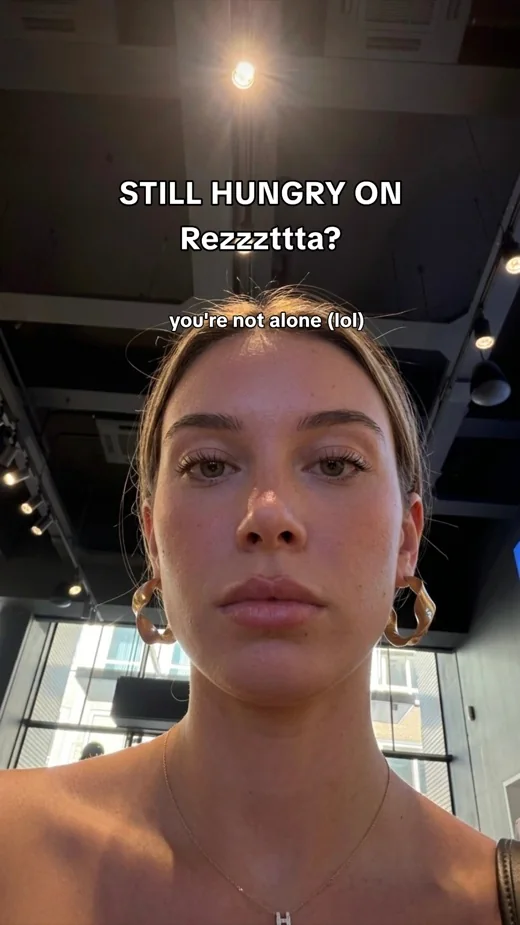 01
01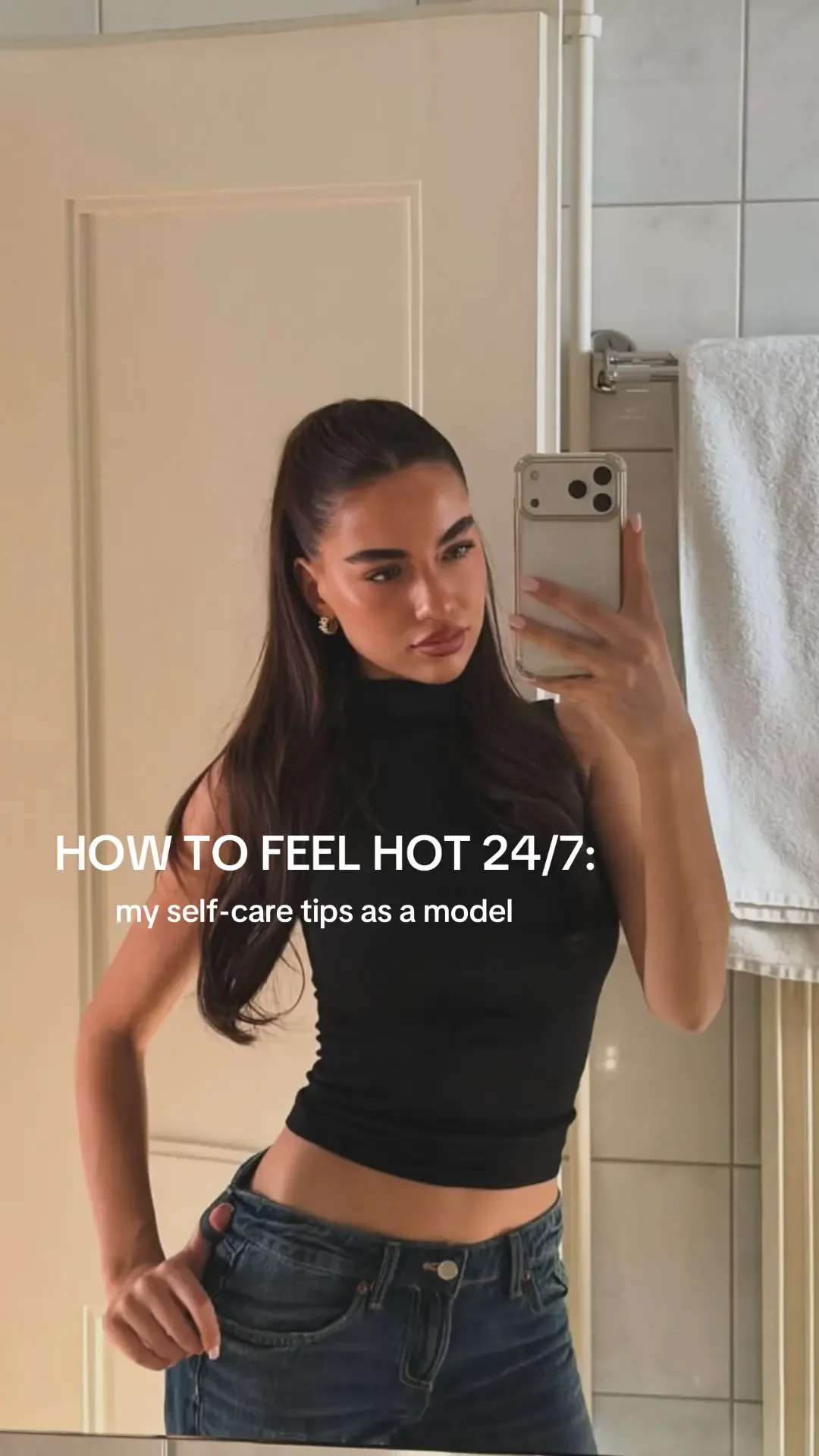 02
02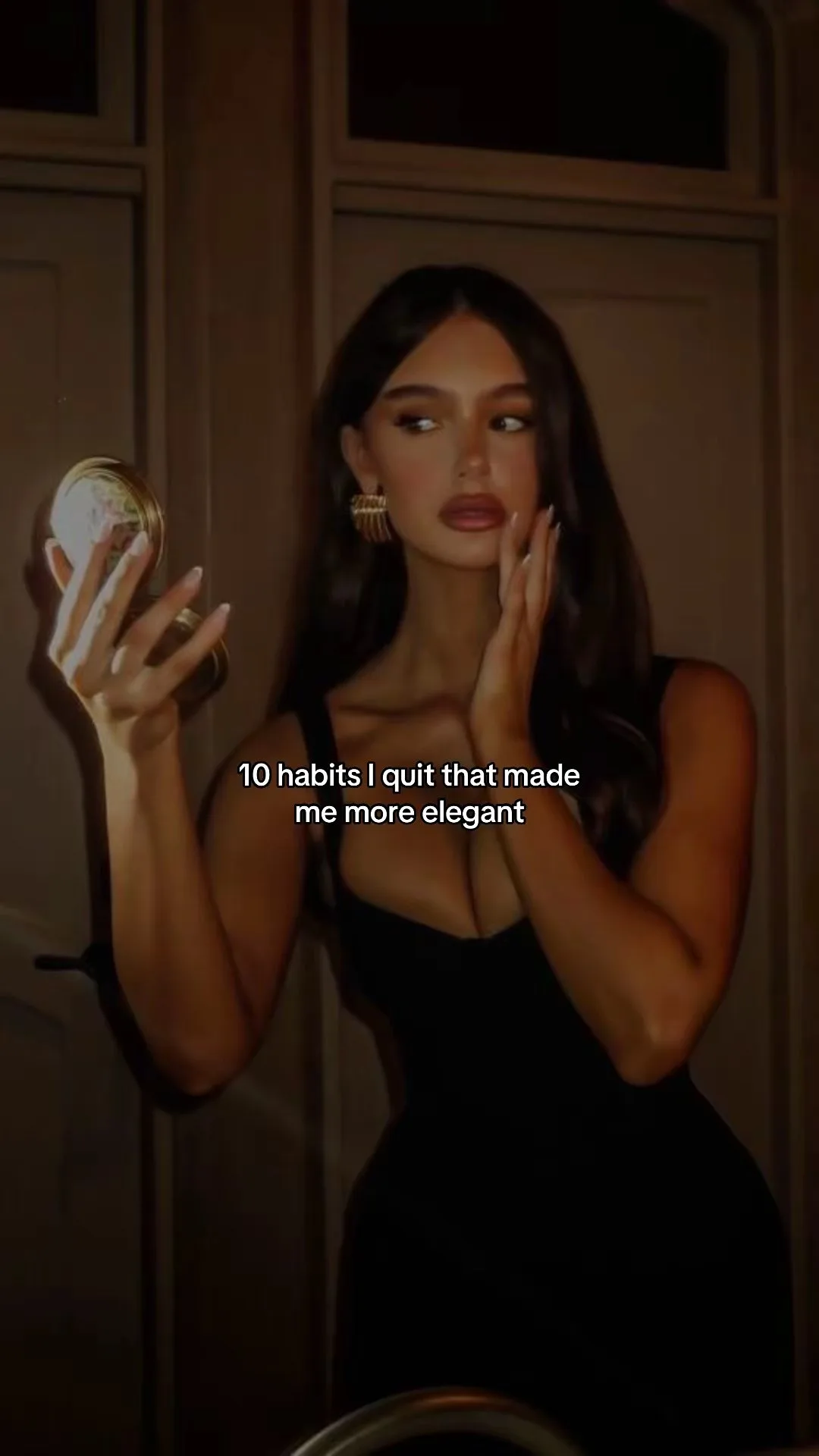 03
03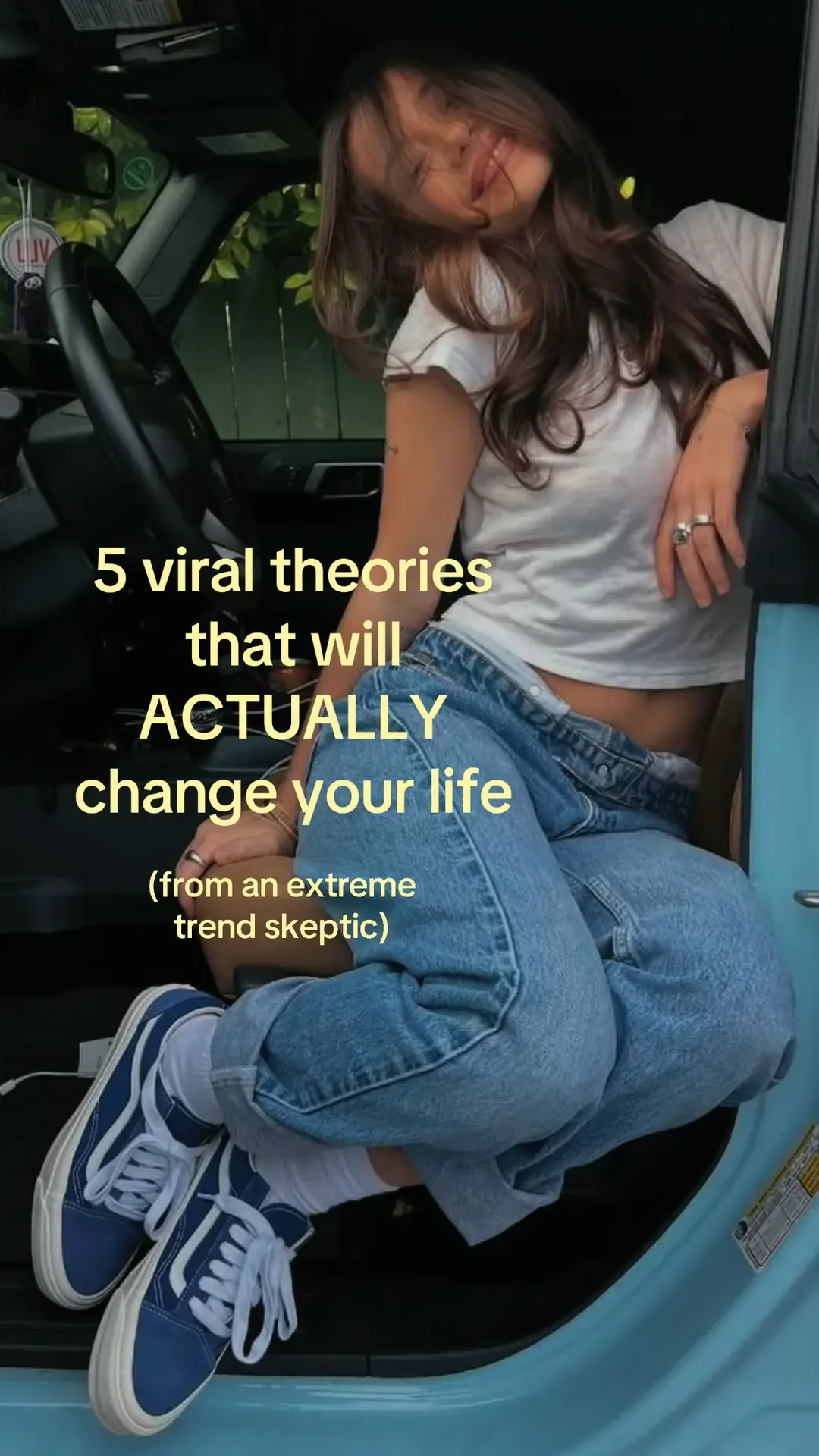 04
04What I keep and what I change
Suppose the reference structure is:
- embarrassing problem;
- repeated failed attempt;
- unexpected realization;
- product-assisted proof;
- outcome;
- belief or CTA.
For a project-management app, I might keep those six jobs but rebuild the story:
| Slide | Job inherited from the reference | New Ghostfeed version |
|---|---|---|
| 1 | Embarrassing problem | “my task app was full and i still forgot the one thing that mattered” |
| 2 | Failed attempt | The same vague task copied across three lists |
| 3 | Realization | “a task without a next action is just a reminder to feel guilty” |
| 4 | Product proof | A real screen showing the task rewritten as a visible action |
| 5 | Outcome | The reminder appears at the moment it can be completed |
| 6 | Belief / CTA | “make the next action obvious before adding another list” |
The reference supplied the grammar. The app supplied the proof.
That is the division I care about.
Flow 2: build from a prompt without getting a generic deck
The prompt flow starts when there is no source TikTok.
Inside Ghostfeed I can describe:
- the topic;
- the angle;
- the audience;
- the situation or story;
- the tone I want;
- the product, avatar, or collection I want the deck to use.
The prompt box supports @ mentions for saved products, image collections, and avatars. That matters because “make a slideshow for my fitness app” is weak context. Mentioning the actual product and an approved creator gives the system real material to work with.
A useful prompt is closer to:
Make a TikTok slideshow for first-time marathon runners who keep training harder but ignore recovery. Open with a specific confession, use @Leah as the creator, pull lifestyle images from @RunningDays, and let @Pacewise appear only when the recovery pattern becomes visible.
The system now has several explicit decisions:
- audience: first-time marathon runners;
- tension: more training versus poor recovery;
- format: personal confession;
- creator identity: Leah;
- visual pool: RunningDays;
- product role: reveal the pattern, not dominate slide one.
When I do not specify a slide count, Ghostfeed lets the story determine it within the product’s supported range instead of forcing every idea into five slides. A compact reaction may need three or four. A list or narrative may need eight. The count should serve the idea.
Then the Ghostfeed Director builds the first variant: slide copy, visual choices, text placement, and caption, all saved into the same editor I can change manually.
Why we built a Director instead of one giant generation call
Long agent runs fail in boring ways.
A model can write four of six slides, forget the caption, leave one background empty, or claim it finished when the stored deck says otherwise.
We made the server inspect the actual saved slideshow instead of trusting the model’s declaration.
The workflow is:
- build the deck;
- inspect what was actually saved;
- repair only the missing or incomplete parts when the deck is usable;
- restart cleanly when nothing useful was produced;
- report an honest failure when the system still cannot finish.
This decision is less glamorous than “fully autonomous content agent,” but it is much more important.
A half-built slideshow should not quietly appear as a successful project. A fallback should not replace the requested workflow with a worse one just so the dashboard can say “done.”
The goal is a complete editable deck or a visible failure—not automation theater.
Flow 3: start from scratch when the creative decision is already made
Sometimes I do not need a model to choose the structure.
If I already know I want:
- a first-slide screenshot;
- a before state;
- an after state;
- and one CTA;
I can start from blank slides and build directly in the Ghostfeed editor.
This is also the cleanest route for Claude or another agent using Ghostfeed through MCP. The agent can create a blank deck, write each text layer, search or browse approved image sources, cast the background for every slide, write the caption, and read the completed deck back for review.
The important distinction is that the agent works on the same persisted project as the human. It does not disappear into a chat and return a folder of flattened images.
Claude builds a Ghostfeed photo-mode deck through MCP: a persistent blank deck, individually cast backgrounds, editable text, a caption, and a final review state.The editor is the boundary between generation and approval
Every creation door ends in the Ghostfeed slideshow editor.
That is deliberate. The generated result is a base, not an untouchable artifact.
I can review:
- every slide in sequence;
- every text layer;
- the position and hierarchy of the text;
- the background and where it came from;
- the caption;
- the attached product;
- the creator or visual collection;
- the complete deck before export.
If the product screenshot is wrong, I replace it. If the hook is too safe, I rewrite it. If slide four repeats slide three, I fix the sequence.
The automation earns its place by removing blank-page work and asset plumbing. It does not take away the final editorial decision.
How Ghostfeed creates variants
The variant flow begins only after there is a ready base slideshow.
I can write the hooks myself or ask Ghostfeed to suggest fresh hooks. I can generate a single variant or a batch, then inspect each deck in the variant browser before opening it in the editor.
The critical product decision is that a variant has two sources of truth:
The selected hook controls the topic. The base slideshow controls the creative grammar.
If I choose this hook:
“the task-list mistake that made every reminder useless”
the new deck must answer that promise. Ghostfeed should not drift back to the base deck’s old topic just because it is copying its style.
But the base still provides:
- voice;
- cadence;
- slide count;
- approximate text density;
- hook grammar;
- visual taste;
- product context.
That is what makes a variant related without making it a duplicate.
Suggested hooks are not synonym generation
When I ask for several hooks without additional direction, Ghostfeed is designed to spread across distinct ideas inside the same niche.
For a college-admissions product, a useful batch might cover:
- the personal-statement opening;
- the activity-list mistake;
- recommendation letters;
- the school-list strategy;
- interview preparation.
Five rewrites of “how I fixed my essay” would look like volume while producing no real range.
When I do give a specific direction—“ways to make a personal statement sound less fake”—the behavior changes. The hooks should explore different framings inside that request instead of escaping into adjacent admissions topics.
That distinction is one of the decisions hidden behind the variant button.
We vary images according to where they came from
The lazy version of variant generation rerolls every background.
That creates two problems:
- it destroys deliberate product or design choices;
- it can unexpectedly regenerate expensive assets.
Ghostfeed remembers the source category of each base slide and handles it accordingly:
| Base-slide source | What a new variant does | Why |
|---|---|---|
| Pinterest-style background | Searches again and casts a fresh image | The visual idea should vary |
| Saved collection | Chooses a different image from the same collection | Keep the approved visual world |
| Saved avatar | Chooses another image of the same avatar | Preserve identity while changing the frame |
| AI image made with a selected avatar | Rotates through that avatar’s approved pool | The identity is the persistent decision |
| Uploaded image or pasted URL | Preserves the exact image | Treat a deliberate asset as fixed |
| AI-generated image without an avatar | Preserves the exact image | Do not surprise-regenerate or surprise-bill |
If an old collection or avatar pool is no longer available, Ghostfeed preserves the existing image instead of failing the entire variant.
This is a small implementation detail with a large creative consequence: variation happens inside the boundaries the base deck already established.
 01
01 02
02 03
03A concrete prompt-to-variant workflow
Here is how I would automate a real project inside Ghostfeed.
1. Create the base
Start from one of three doors:
- paste a TikTok Photo Mode or image-only Instagram carousel;
- describe the audience, angle, and story in a prompt;
- begin from scratch.
Attach the actual product or mention it in the prompt. Mention the approved avatar or collection when those choices are already known.
2. Review the base before multiplying it
Check:
- does slide one make a specific promise?
- does every later slide pay off that promise?
- does the product enter at the moment it becomes useful?
- are the visuals coming from sources I am willing to reuse?
- is the caption consistent with the deck?
This is the point where I correct the system once.
3. Choose the variation axis
For the first batch, I normally vary hooks while keeping the base structure recognizable.
I might enter:
- “the task-list mistake that made every reminder useless”
- “why your to-do list keeps getting longer even when you work all day”
- “i stopped organizing tasks and started defining the next action”
Ghostfeed treats each hook as the topical center of its own deck.
4. Let the source rules protect the base
Creator slides continue to use the same creator. Collection slides stay inside the same collection. Deliberate screenshots and uploads remain fixed. Searchable lifestyle frames can change.
I do not have to remember that matrix for every slide. It is part of the variant system.
5. Review and export
The variants remain separate editable decks. I can compare them, change individual slides, fix captions, and export only the versions I would actually publish.
That is what “automate TikTok slideshows” means inside Ghostfeed. It is not one prompt producing endless JPEGs. It is a visible chain of creative state:
What Ghostfeed deliberately does not automate
Ghostfeed can remove:
- blank-page scripting;
- repetitive deck construction;
- background search and casting;
- text placement;
- caption drafting;
- repeated hook adaptation;
- manual duplication of a base deck.
It should not remove:
- permission to use a creator or asset;
- product-claim accuracy;
- the decision to publish;
- editorial taste;
- the judgment that a format does not fit the product.
The fastest way to ruin an automated creative system is to treat every generated object as approved inventory.
The product is designed so the state stays visible and editable before anything leaves the workflow.
Can Ghostfeed clone a TikTok slideshow?
Yes—Ghostfeed can start from a TikTok Photo Mode post or image-only Instagram carousel. It uses the source as a structural and stylistic reference, then writes fresh copy and casts fresh images. It is a remix workflow, not a verbatim copier.
What happens when I start from a prompt?
Ghostfeed uses the topic, audience, angle, and any mentioned products, collections, or avatars to build the first editable deck. If you do not choose a slide count, the system chooses one that fits the requested story within the supported range.
How are Ghostfeed variants different from duplicates?
A duplicate preserves the base. A generated variant uses a selected hook as its topical direction, rewrites the deck around that promise, and changes eligible visuals while preserving deliberate uploads, product assets, and identity choices.
Can Claude build Ghostfeed slideshows?
Yes. Through Ghostfeed’s MCP workflow, Claude can create a deck, set slide copy, search and choose backgrounds, use saved products or avatars, write the caption, create variants, and return the same dashboard project for human review.
If you want the lighter version of this workflow, start with the free App Slideshow Generator. If you want to understand how to adapt the job of a working format to an app, read the TikTok Slideshow Maker for Apps guide.
Use Ghostfeed when you want the full loop: prompt or social reference, editable base, controlled variants, and a final human decision before export.