Your product.
In every scene.
Add your product once. It shows up in every video, slideshow and static, with its real label.
One product.
Any look.
One supplement pouch, five looks. Same shape, same label.
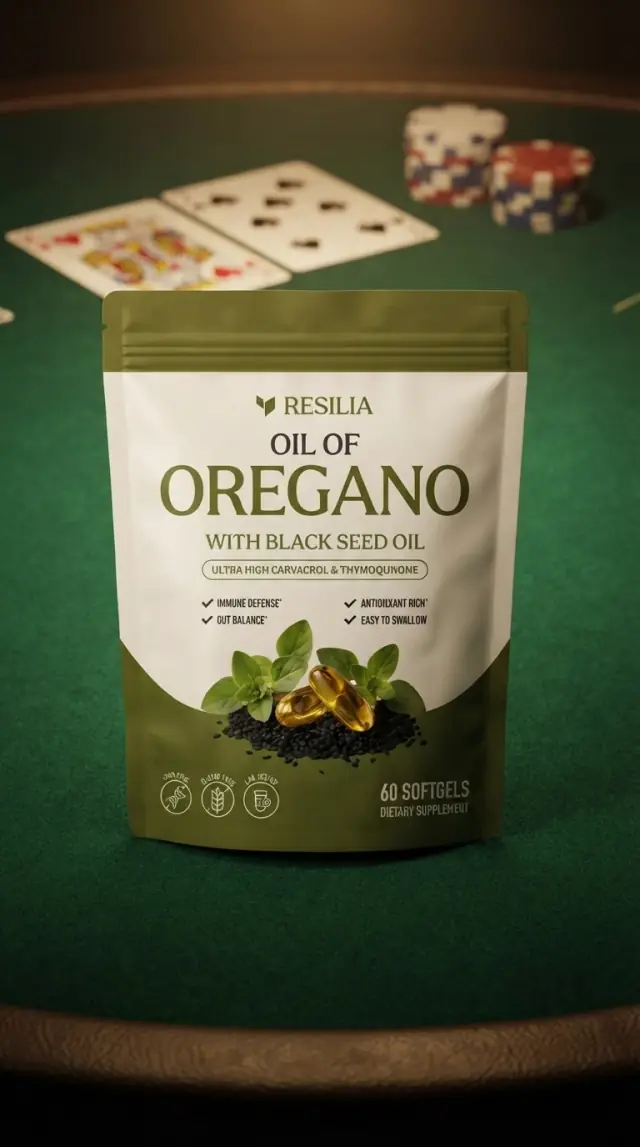
Statics
Product photos in.
An ad out.
Three product photos and an ad we liked went in. This came out.
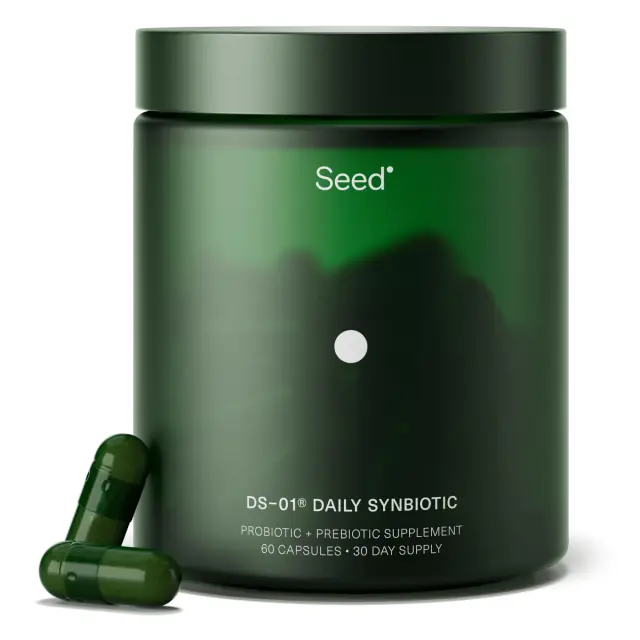
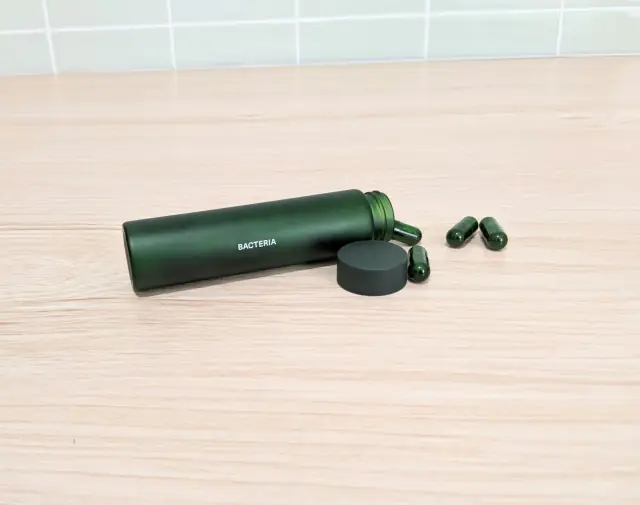
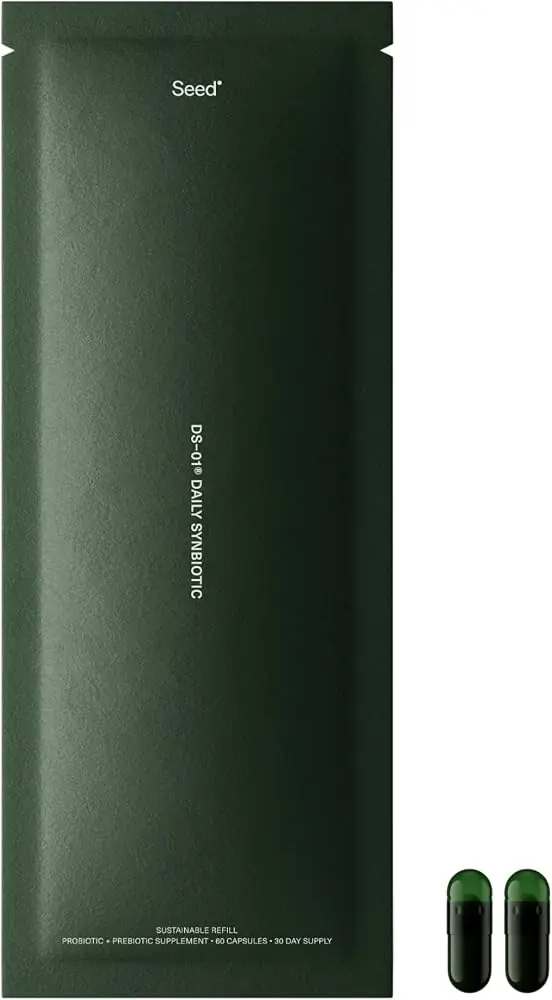
Set up once
Add your products.
Use them everywhere.
- 01
Paste your website
Ghostfeed picks up your brand name, story and photos.
- 02
Add your products
Paste a store link or upload photos.
- 03
Ask for anything
Name the product. It shows up wherever it should.
Formats
Your product
in every format.
FAQ
Common
questions.
Products
Paste your store or App Store link, or upload product photos.
No. Adding your brand and products is free.
Yes. The real label shows up in every shot, even in clay or cartoon looks.
All of them: UGC videos, slideshows, static ads and animated ads.